Choosing the Right USDA FoodData Central Entry for a Recipe
Foundation, SR Legacy, Survey (FNDDS) or Branded: what each FoodData Central data type is, which to use for an ingredient, and the mistakes that skew a label.


KitchenSync is nutrition label and recipe costing software for food businesses. Build a recipe from USDA FoodData Central ingredients and it calculates calories, macros and micronutrients per serving, with % Daily Value.
How it works
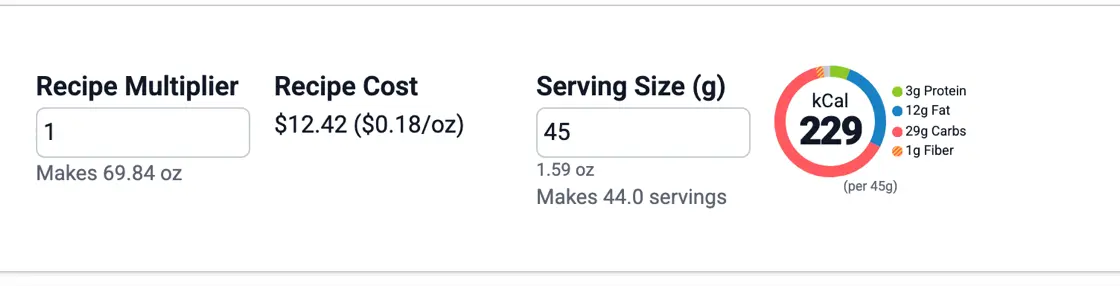
Search USDA FoodData Central from inside the recipe and add each ingredient with its amount. KitchenSync adds up the nutrients across the ingredients, divides by the weight the recipe makes, and reports the result for the serving size you set. Change an amount or swap an ingredient and the numbers recalculate. Food that loses water as it cooks gets more concentrated, so set the cooked yield, which is explained on the recipe costing page.
Macros
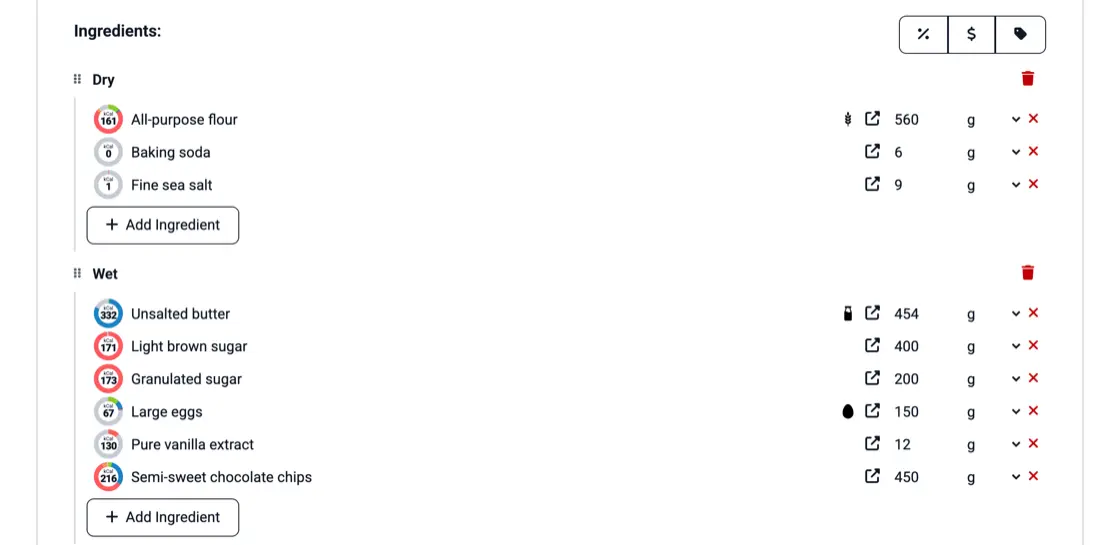
Every recipe has a macro chart. Calories per serving sit in the middle, and the ring splits into protein, fat and carbohydrate, with fiber marked inside the carbohydrate share. Beside it are the grams of each. Each ingredient in the recipe has its own chart too, so you can see which ones are high in fat or carbohydrate before you change the formula. The same chart appears on every ingredient in your ingredients list.
Micronutrients
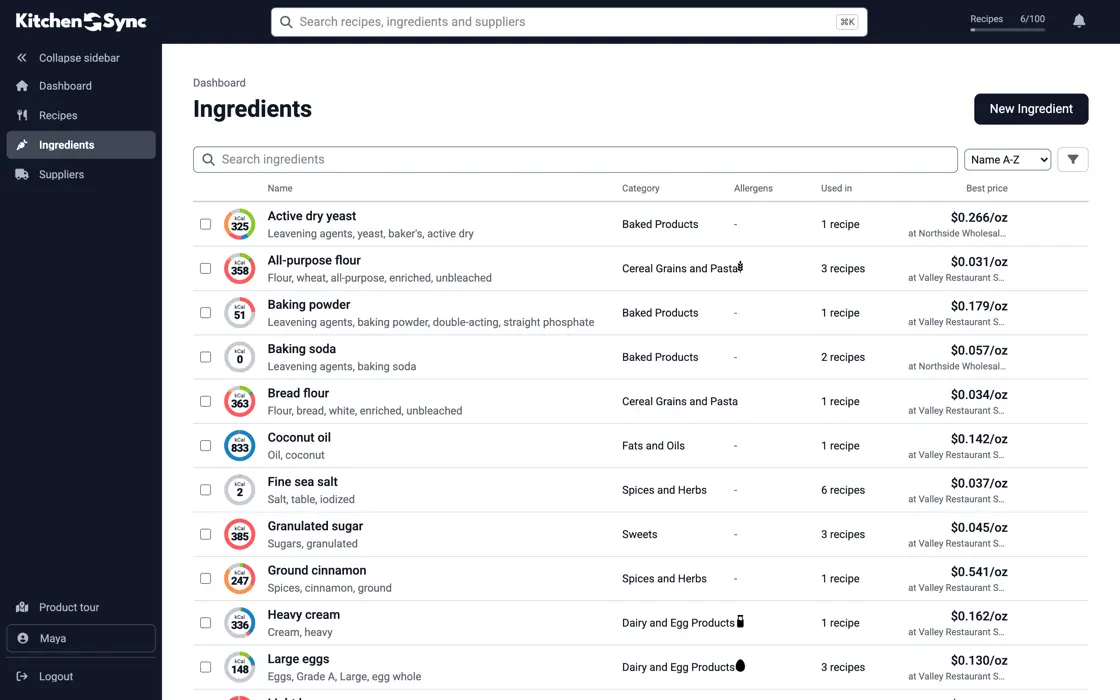
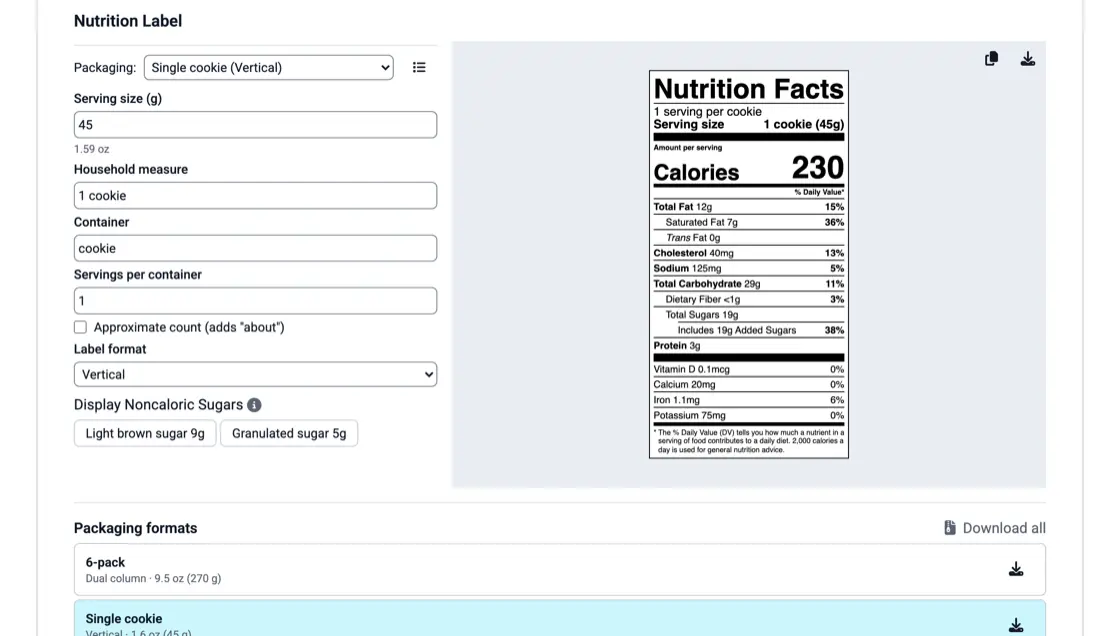
The calculation covers the vitamins and minerals the Nutrition Facts panel requires: vitamin D, calcium, iron and potassium, each as an amount and a % Daily Value. Fat, saturated fat, cholesterol, sodium, carbohydrate, fiber and added sugars get a % Daily Value as well. Added sugars have their own line, and a noncaloric sweetener such as erythritol can be shown on its own line instead of counting as added sugars.
For your products
The numbers describe a product, not a person's day. Use them to answer a wholesale buyer's nutrition question, to compare two versions of a formula, or to check a protein or sodium figure before you print it on a package. When the recipe is ready, the same calculation fills the Nutrition Facts label, so the label and the recipe cannot disagree.
Foundation, SR Legacy, Survey (FNDDS) or Branded: what each FoodData Central data type is, which to use for an ingredient, and the mistakes that skew a label.

Baking drives off water, so every gram of the finished product carries more nutrients. How to measure yield and put it into your label math.

A cup of flour can weigh 120 g or 160 g. How volume measuring throws off nutrition labels and food costs, and when a cup is close enough.
From USDA FoodData Central, the public nutrient database run by the U.S. Department of Agriculture. You search it from inside a recipe and each ingredient brings its nutrient values with it.
Yes. Pick a cooking method and the yield calculator estimates the cooked weight from moisture loss, or enter the weight you measured. Nutrition per serving is based on that finished weight.
Yes. Use a sauce, dough or filling recipe as an ingredient and its nutrition rolls into the product that contains it. The recipes inside recipes page shows how.
Add ingredients from USDA FoodData Central and read calories, macros and % Daily Value per serving. Start free.
Sign Up Free →Need more recipes? See KitchenSync plans and pricing