
The Nine Major Food Allergens and How to Declare Them
The nine major allergens, whether you need a Contains statement, naming the nut or fish, FDA's 2025 tree nut list, sesame, and "may contain".


Personal chefs cook to each client's diet, allergies and macro targets, and the menu changes every week. KitchenSync is nutrition label and recipe costing software for food businesses, and it shows the macros, allergens and ingredient cost of every recipe you write.
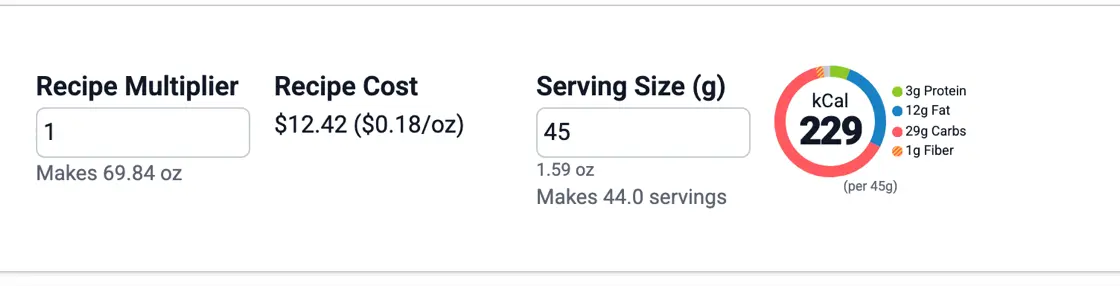
Macros
Clients on a training plan or a medical diet ask for numbers. Each recipe has a macro chart of protein, carbohydrate and fat, calculated from USDA FoodData Central. Set the serving size and the Nutrition Facts label shows calories and nutrients per serving with % Daily Value. Export it as an image and send it with the week's menu or put it on the container. See the nutrition label generator.
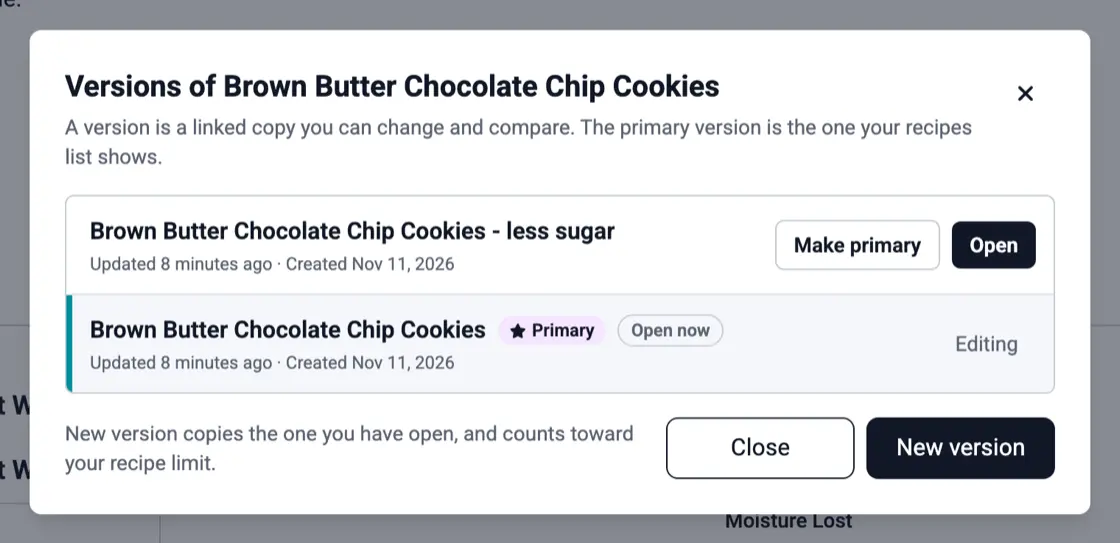
Client diets
One client eats the turkey chili as written, one needs it without beans, one wants it lower in sodium. Choose New version for each and change only what differs. All three sit in one dropdown on the recipe, each with its own nutrition, and the original stays as the primary version. See recipe versioning.
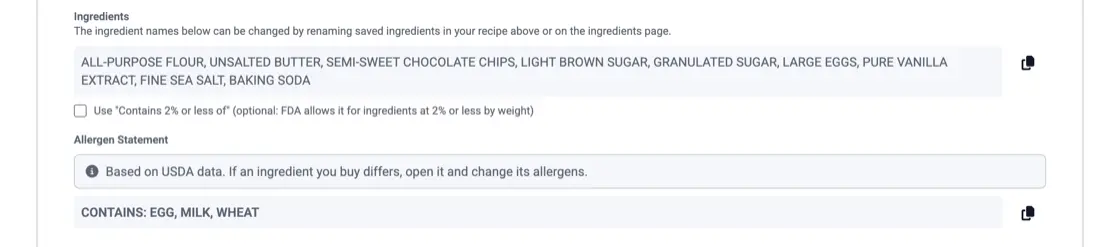
Allergies
KitchenSync detects the FDA's nine major allergens from USDA ingredient descriptions and shows them in the recipe's allergen statement. For a client who avoids something outside those nine, such as nightshades or alliums, read the ingredient list, which names the components of any sauce or stock you made as its own recipe. Check both against the packages you buy.
Grocery cost
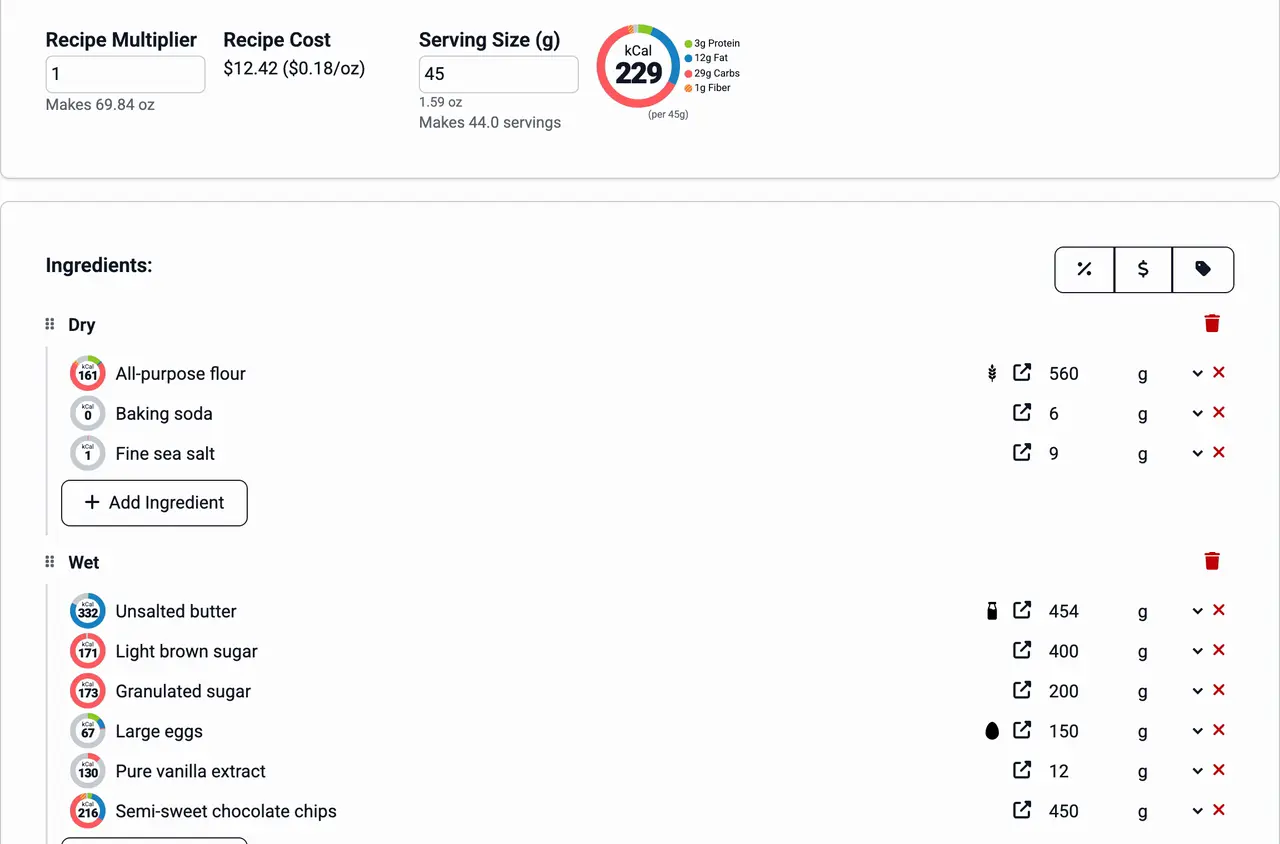
Record what you pay at each store where you shop for clients. Each recipe shows its batch cost at the lowest unit price you have entered, so you can estimate a week's groceries before you shop and check a flat rate against what the food costs. See ingredient pricing and recipe costing.
Recipe library
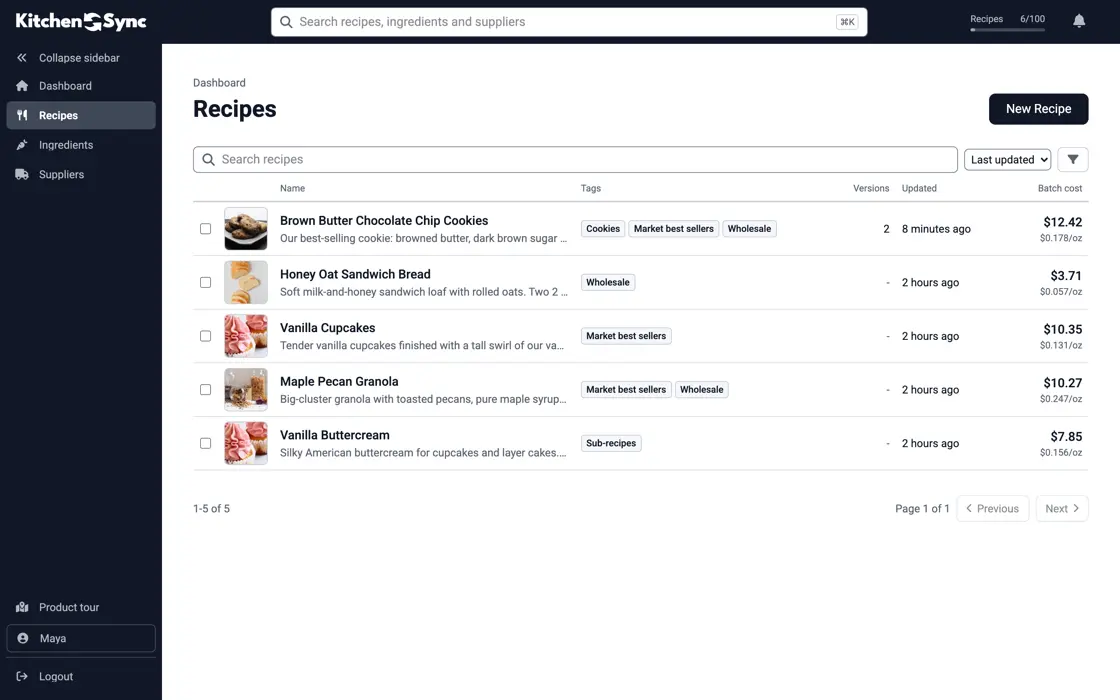
Tag recipes with a client's name, a diet or a season, and tag many at once from the Recipes list. Search finds a recipe by name, photos show the finished plate, and every edit saves as you type. When a client asks for the salmon from March, search for it by name. See recipe management.
The nine major allergens, whether you need a Contains statement, naming the nut or fish, FDA's 2025 tree nut list, sesame, and "may contain".
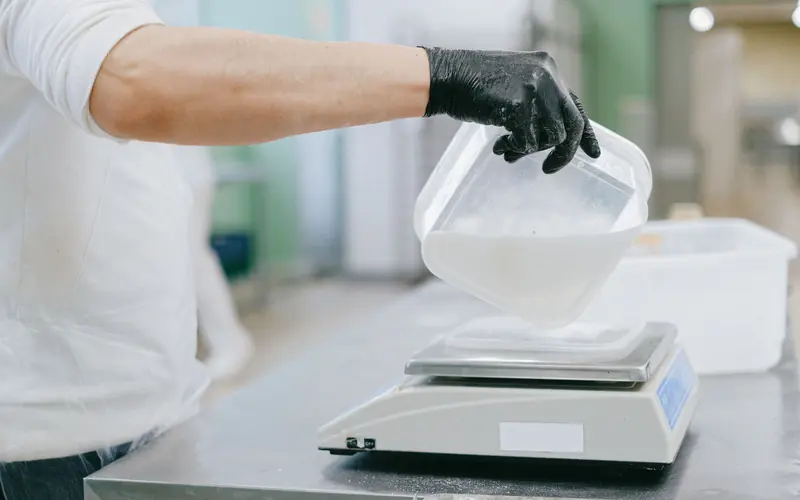
Convert a home recipe to grams and baker's percentages, scale it to a target yield, and plan for the parts that don't scale in a straight line.
Yes. Enter the recipe with ingredients from USDA FoodData Central and set the serving size. KitchenSync shows a macro chart of protein, carbohydrate and fat, and the Nutrition Facts label lists calories and nutrients per serving.
Use tags and versions. Tag each recipe with the client's name or diet, and save a client's variation of a dish as a linked version so it stays with the original.
Usually not for meals cooked for a private client. Many chefs include nutrition information because clients ask for it. Packaged meals sold to the public fall under different rules that vary by state, so ask your health department before you sell them.
Write a recipe once and keep a version for each client. Start free.
Sign Up Free →Need more recipes? See KitchenSync plans and pricing