The Nine Major Food Allergens and How to Declare Them
The nine major allergens, whether you need a Contains statement, naming the nut or fish, FDA's 2025 tree nut list, sesame, and "may contain".

KitchenSync is recipe costing and nutrition label software for chocolatiers. Build each ganache, praline and caramel once, use it in every bonbon and bar, and get the batch cost, Nutrition Facts label, ingredient list and allergen statement for each product.
Fillings
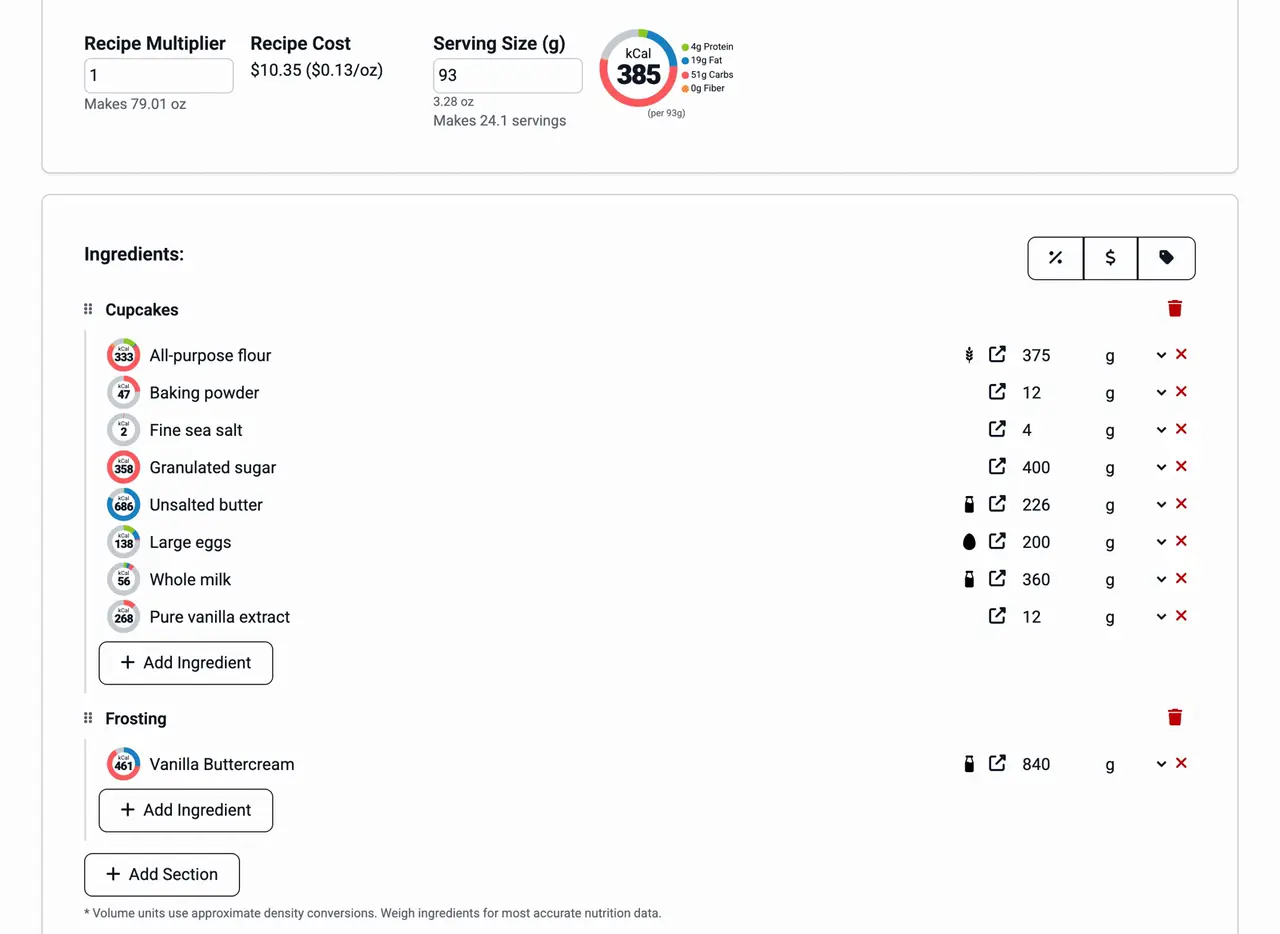
Save your dark ganache, hazelnut praline and salted caramel as recipes of their own. Then add them as ingredients to each bonbon, bar and bark. The filling's nutrition and cost carry into every product that contains it, and the ingredient list names the filling with its components in parentheses. Change the cream ratio in the ganache once and every piece built on it follows. See recipes inside recipes.
Cocoa prices
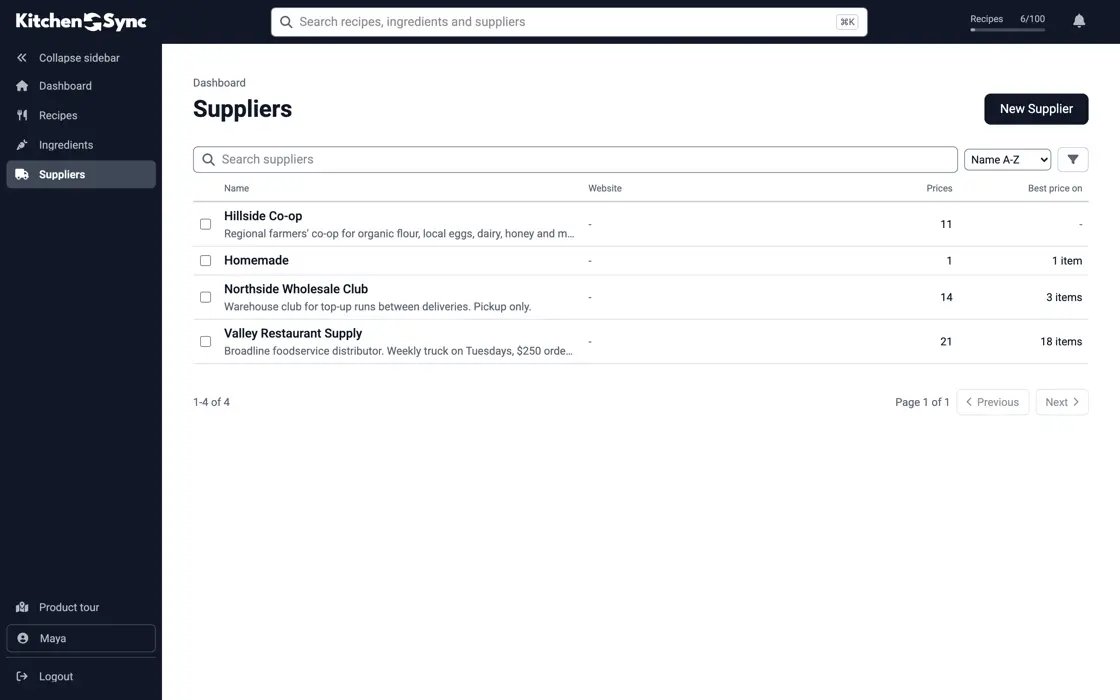
Couverture, cocoa butter, nuts, cream and vanilla are most of what a chocolate costs to make, and their prices move with each harvest. Record what each distributor charges for the same couverture. KitchenSync costs every recipe at the lowest unit price on file. Enter the new price when an invoice arrives and each ganache, and each product made from it, is recosted. See ingredient pricing.
Boxes and bars
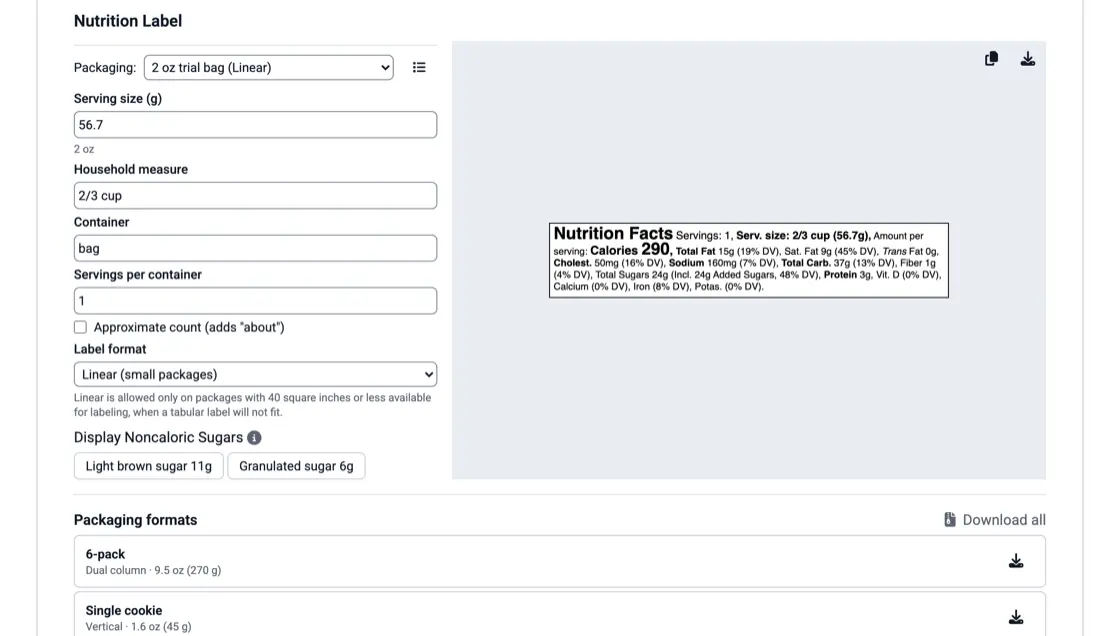
A 4-piece box, a 16-piece box and an 80 g bar each need their own serving size and net weight. Save each one as a packaging format, check the formats a recipe is sold in, and download all of its labels at once. A single bar or a 2-piece favor box has little room to print on, so it may qualify for the linear format. See the nutrition label generator.
Allergens
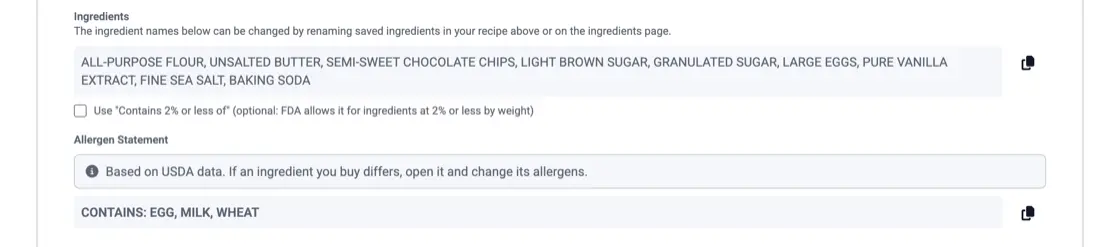
Chocolate work involves milk, tree nuts such as hazelnut, almond and pistachio, peanuts, soy from lecithin, and wheat from cookie or wafer inclusions. KitchenSync detects them from each ingredient's USDA description and names the tree nut. Check each couverture against its spec sheet. If the sheet lists soy lecithin or milk that the description left out, edit that ingredient once and every recipe using it is corrected. See allergen detection.
Test batches
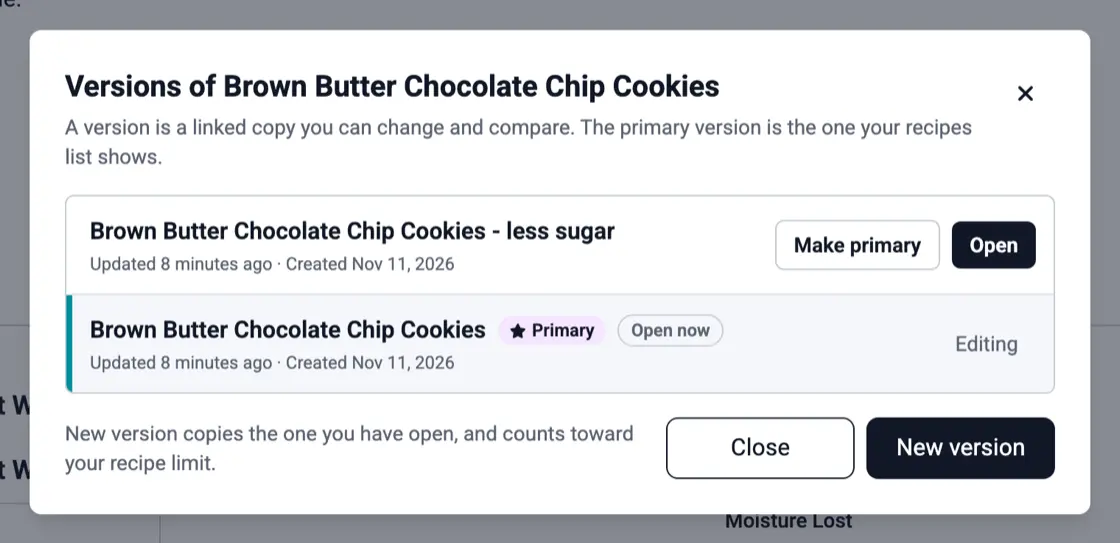
When you test a chocolate from a new origin, a caramel with less sugar or a seasonal flavor, make a new version of the recipe. The versions stay linked under one name, and the one you sell is marked primary. The recipe multiplier scales every amount when a 500 g trial becomes a production batch. See recipe versioning.
The nine major allergens, whether you need a Contains statement, naming the nut or fish, FDA's 2025 tree nut list, sesame, and "may contain".
What counts as added sugars, how to calculate them for a recipe, when to declare sugar alcohols, how allulose is handled, and the 50 g Daily Value.
The label elements FDA requires on packaged food, which panel each one goes on, and a front-and-back layout for a bag of cookies.
KitchenSync shows the batch cost and the cost per gram, ounce, pound or kilogram of each recipe, using the lowest supplier price for every ingredient. Multiply the cost per gram by the weight of one piece.
Yes. Create a recipe for the box and add each bonbon recipe as an ingredient, in the weight that goes into the box. The nutrition, cost, ingredients and allergens of every piece roll into the box recipe, and the label is built from that.
Yes. Make each one a linked version of the bar recipe. All versions sit in one dropdown and one row on the Recipes list, and each has its own cost, label, ingredient list and allergen statement.
Build your fillings once and use them in every product. Start free.
Sign Up Free →Need more recipes? See KitchenSync plans and pricing