What Has to Be on a Food Package: Required Label Elements
The label elements FDA requires on packaged food, which panel each one goes on, and a front-and-back layout for a bag of cookies.


KitchenSync is food labeling software that writes your ingredient list from your recipe. Every ingredient is listed in descending order by weight, sub-recipe components included, and one button copies the text for your label.
Order
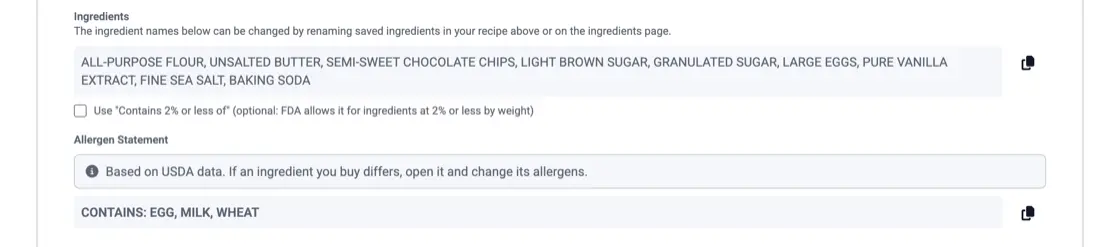
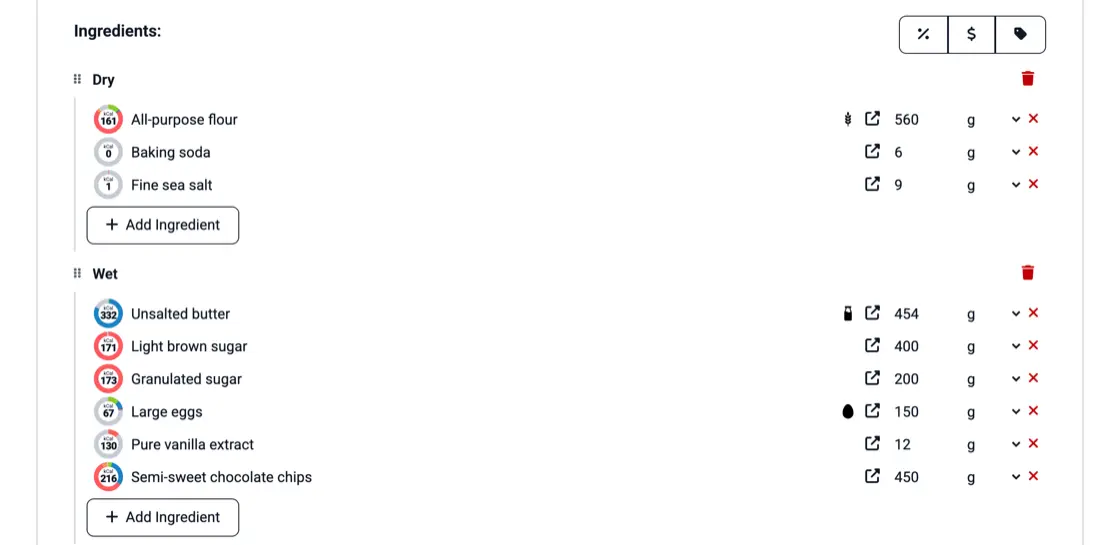
The FDA requires the ingredients on packaged food to be listed from the most by weight to the least. KitchenSync sorts them for you from the amounts in the recipe. Amounts entered in cups or tablespoons are converted to weight first, so the order holds however you measure. Change an amount and the list is sorted again.
Sub-recipes
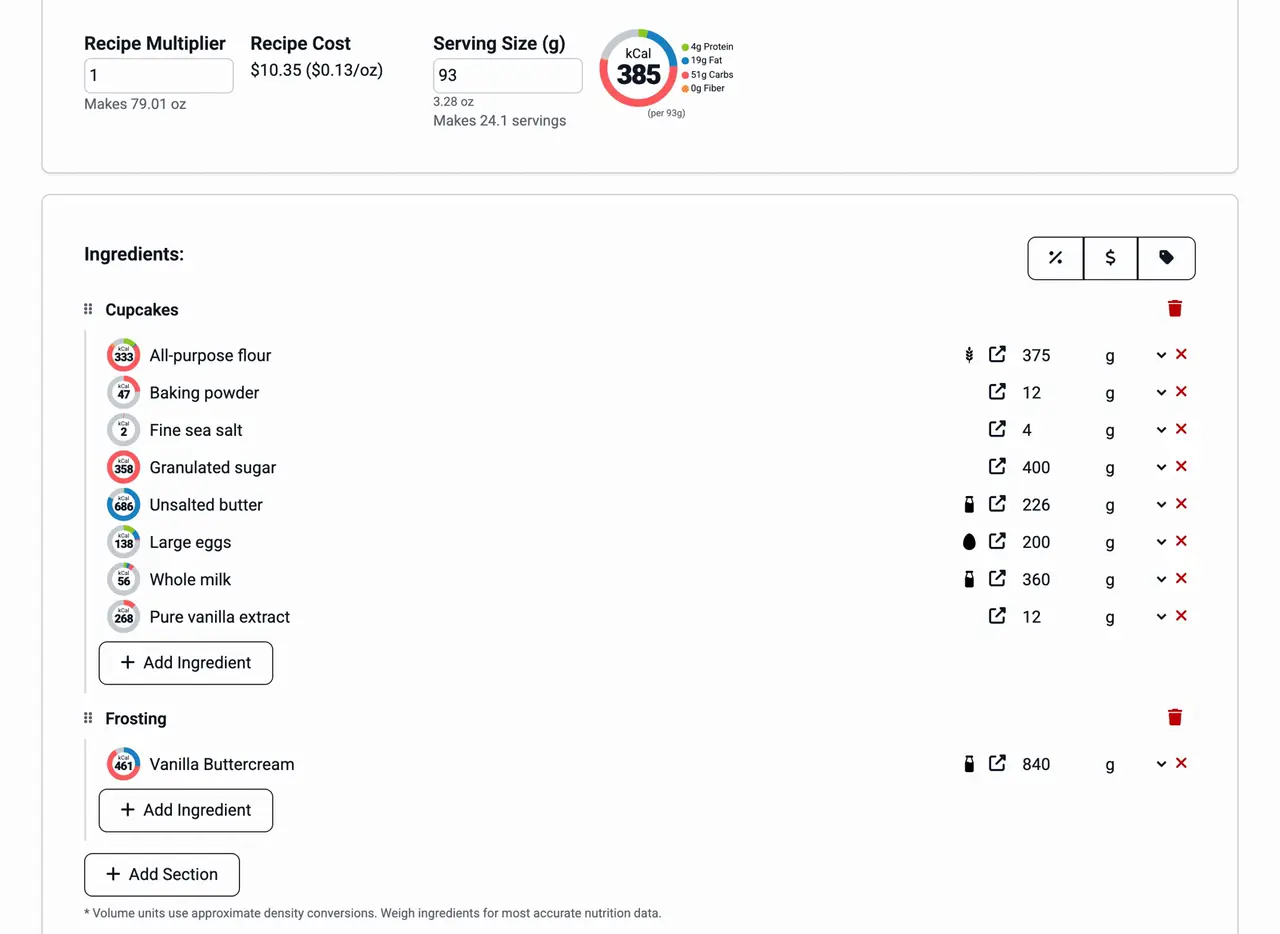
When a product contains another recipe, such as a crust or a caramel, its ingredients belong on the label. KitchenSync lists the sub-recipe by name with its components in parentheses. One checkbox lists the components by weight among the other ingredients instead, without the sub-recipe's name. FDA rules allow either form (21 CFR 101.4(b)(2)).
Wording
The list uses the names of your saved ingredients, so renaming "Butter, salted" to "Butter" changes it on every recipe that uses it. One checkbox groups ingredients that make up 2% or less of the recipe by weight under "Contains 2% or less of", which the FDA allows. Another sets whether added water is listed.
Copy
Click the copy button beside the list and paste the text into your label artwork. The list follows the recipe, so copy it again whenever the recipe changes before you print. The "Contains" line for allergens sits under it with its own copy button (allergen statements).
The label elements FDA requires on packaged food, which panel each one goes on, and a front-and-back layout for a bag of cookies.

The nine major allergens, whether you need a Contains statement, naming the nut or fish, FDA's 2025 tree nut list, sesame, and "may contain".
In descending order by weight: the ingredient that weighs the most in the recipe comes first and the one that weighs the least comes last. KitchenSync works out the order from the amounts in your recipe.
Build it as its own recipe and add it to the product as an ingredient. KitchenSync then writes it on the list by name with its components in parentheses, or lists the components individually by weight.
The ingredient list is part of every recipe on every plan, including Free. Plans differ only in how many recipes you can keep.
Enter the recipe once and copy an ingredient list in descending order by weight. Start free.
Sign Up Free →Need more recipes? See KitchenSync plans and pricing