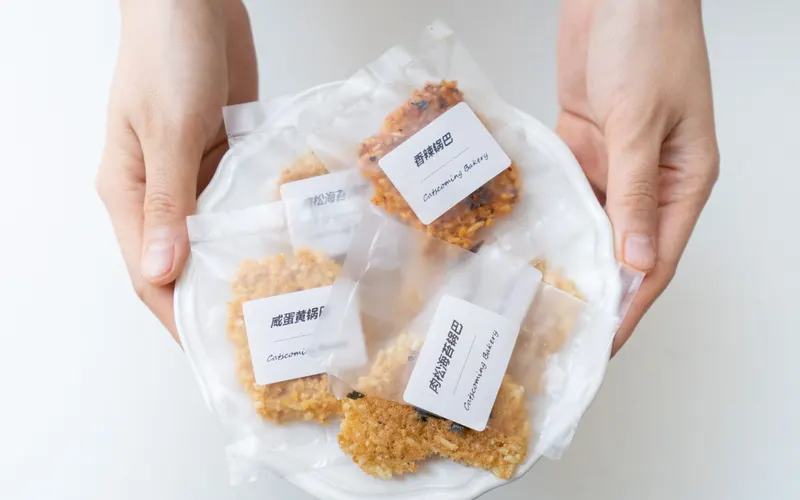
What Has to Be on a Food Package: Required Label Elements
The label elements FDA requires on packaged food, which panel each one goes on, and a front-and-back layout for a bag of cookies.


KitchenSync is nutrition label and recipe costing software for packaged food brands. Build your formula from USDA ingredient data, then export the Nutrition Facts label, ingredient list and allergen statement for each package you sell.
Formulation
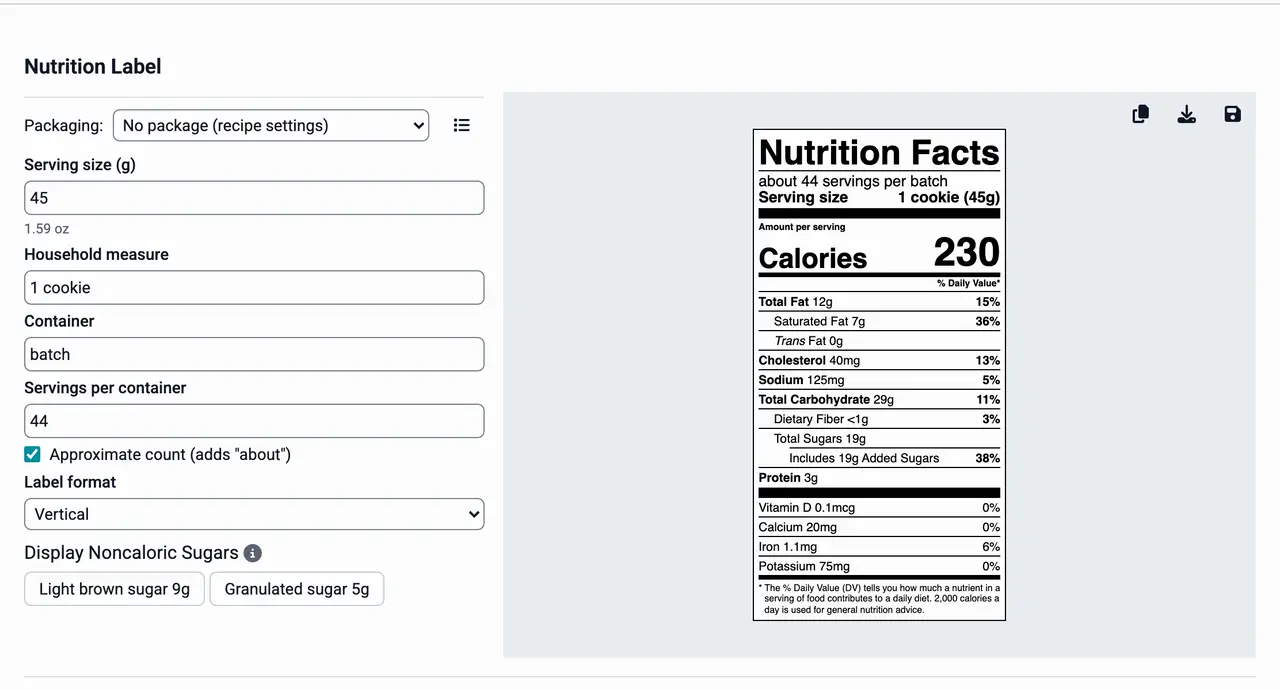
A formula changes many times before it reaches a shelf. When you swap the sweetener or cut the sodium, choose New version. KitchenSync makes a linked copy and leaves the original as it was. Mark the version that goes to production as primary. Each version has its own nutrition, label and cost, so you can check all three before you commit to a change. See recipe versioning.
Production cost
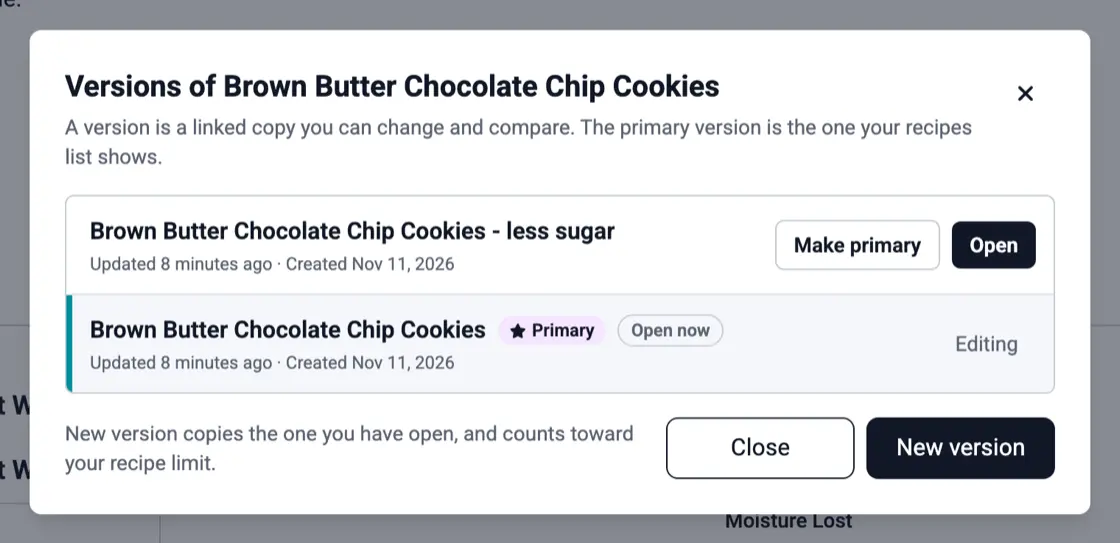
A co-packer or a larger kettle changes the batch size, not the formula. The recipe multiplier scales every amount at once, and the recipe shows the batch cost and the cost per unit of weight. Record the price each supplier quotes for an ingredient and the formula is costed at the lowest unit price. See recipe costing and ingredient pricing.
Packaging
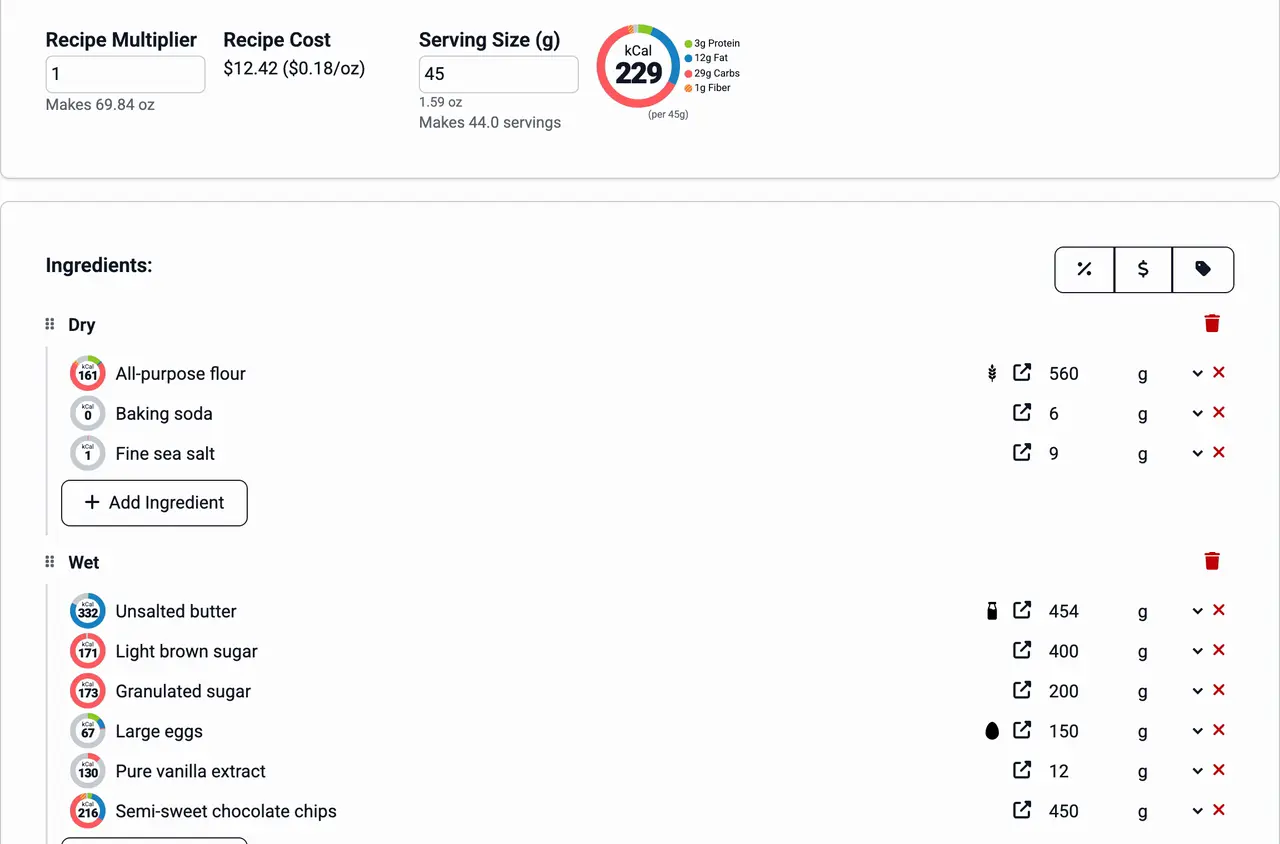
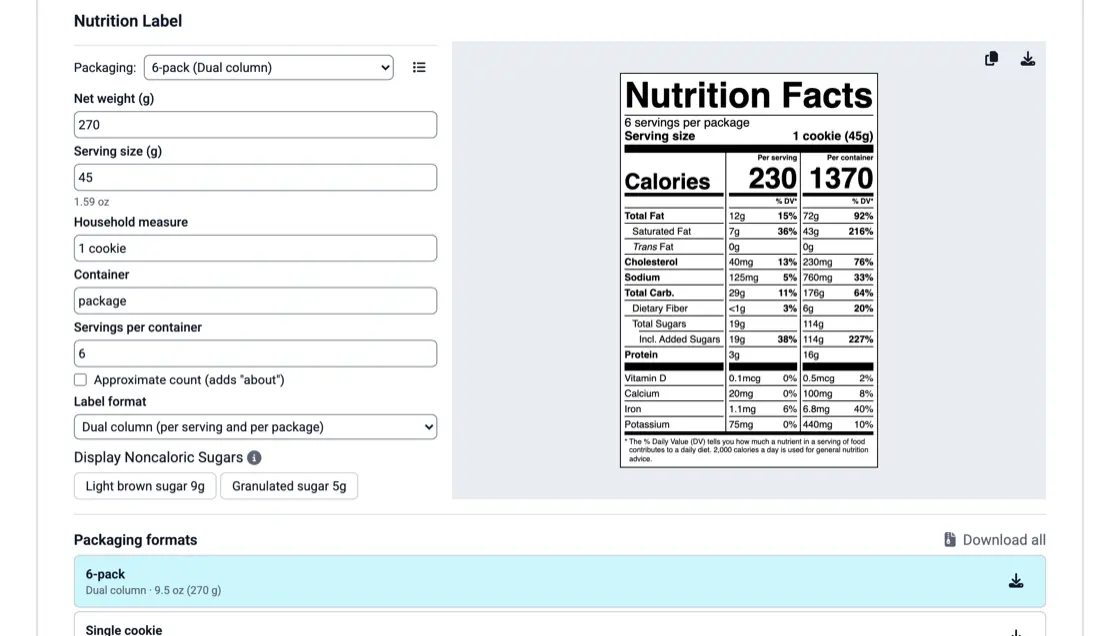
Save each package as a packaging format with its serving size, net weight and label format: vertical for a standard panel, dual column for per serving and per package, linear for small packages. Check the formats a product is sold in, then export each label as a PNG or download them all as a zip. There are no per-label fees. See the nutrition label generator.
Back of pack
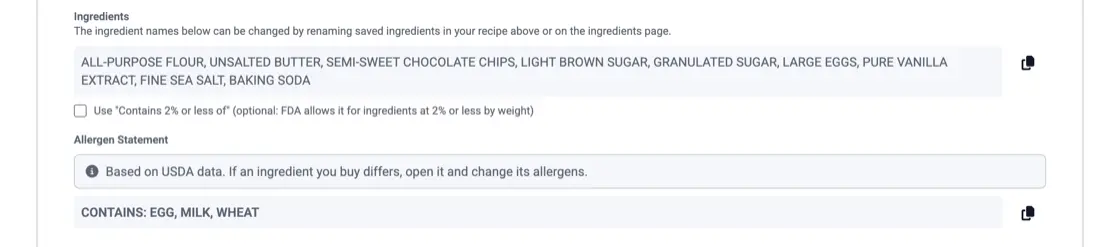
The ingredient list is written in descending order by weight. The allergen statement has a Contains line and a May contain line. Allergens are detected from USDA ingredient descriptions for the FDA's nine major allergens, and you can correct them on any ingredient. Both texts have a copy button, so they reach your package designer as written. See the ingredient list generator and allergen detection.
The label elements FDA requires on packaged food, which panel each one goes on, and a front-and-back layout for a bag of cookies.

When a recipe-and-database Nutrition Facts label holds up, when to pay for lab analysis, and what labs charge on their published price lists.
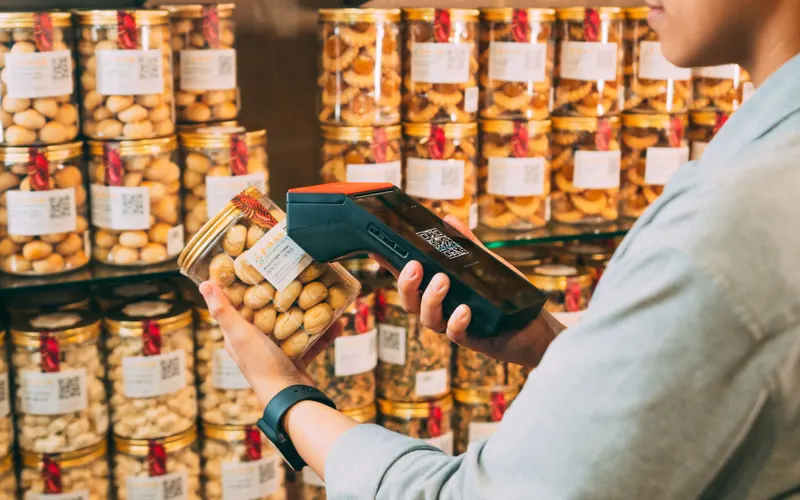
What federal traceability rules require of food producers, where the FSMA 204 rule stands, and a simple lot code scheme with a worked batch record.
Yes. The formula, its cost and its labels stay in your account whoever produces the batch. Use the recipe multiplier to scale the formula to the batch size your co-packer runs.
Export the Nutrition Facts label as a PNG, or copy it to the clipboard. Copy the ingredient list and the allergen statement as text. Your designer places them on the package artwork.
Yes. KitchenSync builds the label in the FDA Nutrition Facts formats from USDA FoodData Central data and the formula you enter. Review every label before it goes to print.
Enter the formula, pick the package and export the label. Start free.
Sign Up Free →Need more recipes? See KitchenSync plans and pricing