How to Make a Nutrition Facts Label Without a Lab
Build an FDA-format Nutrition Facts label from your recipe and a nutrient database: what FDA allows, serving sizes, rounding, and a worked cookie example.


KitchenSync is nutrition label and recipe costing software for meal prep companies. Build each meal from USDA ingredient data, see its protein, carbohydrate and fat, and export a Nutrition Facts label for the container.
Macros
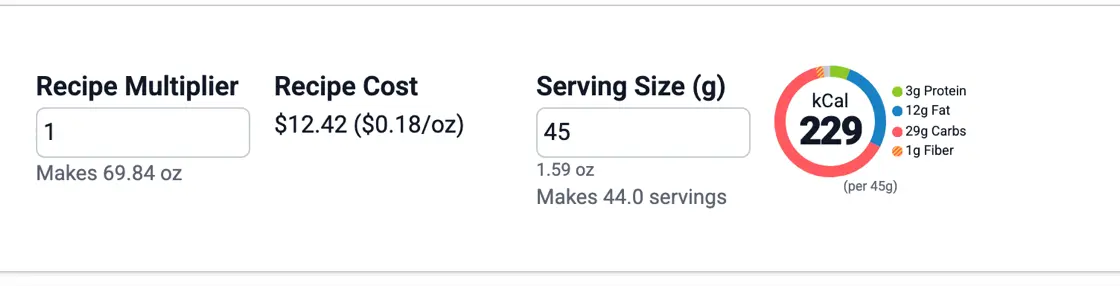
Meal prep customers ask for the macros of each meal. Add the ingredients with their weights from USDA FoodData Central and set the serving size to one container. The recipe shows a macro chart of protein, carbohydrate and fat, and the Nutrition Facts label gives the calories and nutrients for that serving.
Components
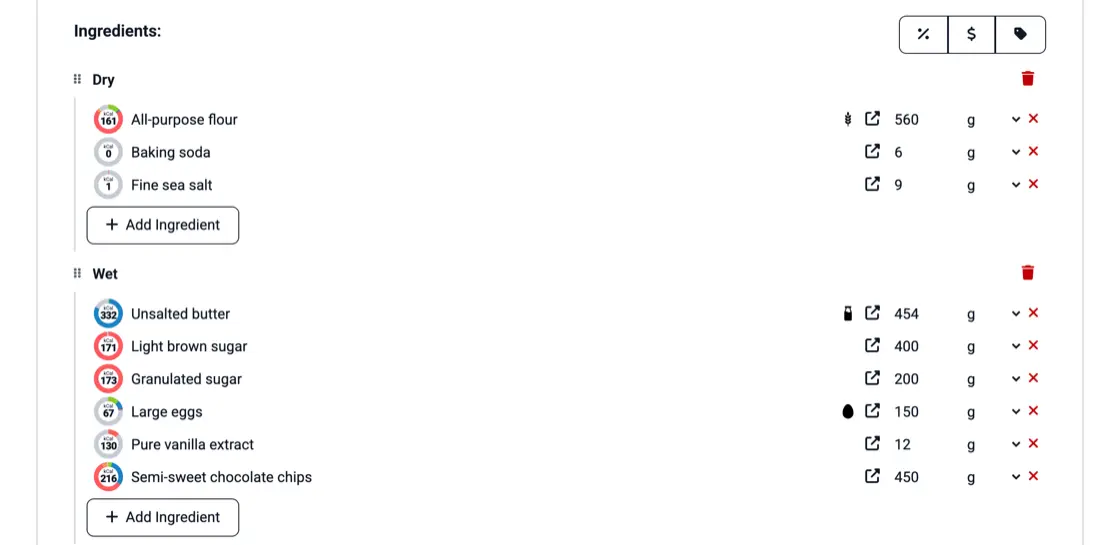
Make the rice, the grilled chicken and each sauce a recipe of its own, then add it as an ingredient to every meal that uses it. Its nutrition and its cost carry into each meal, and a price change on one of its ingredients reaches all of them. Recipes inside recipes are on every plan. See sub-recipes.
Cooked weight
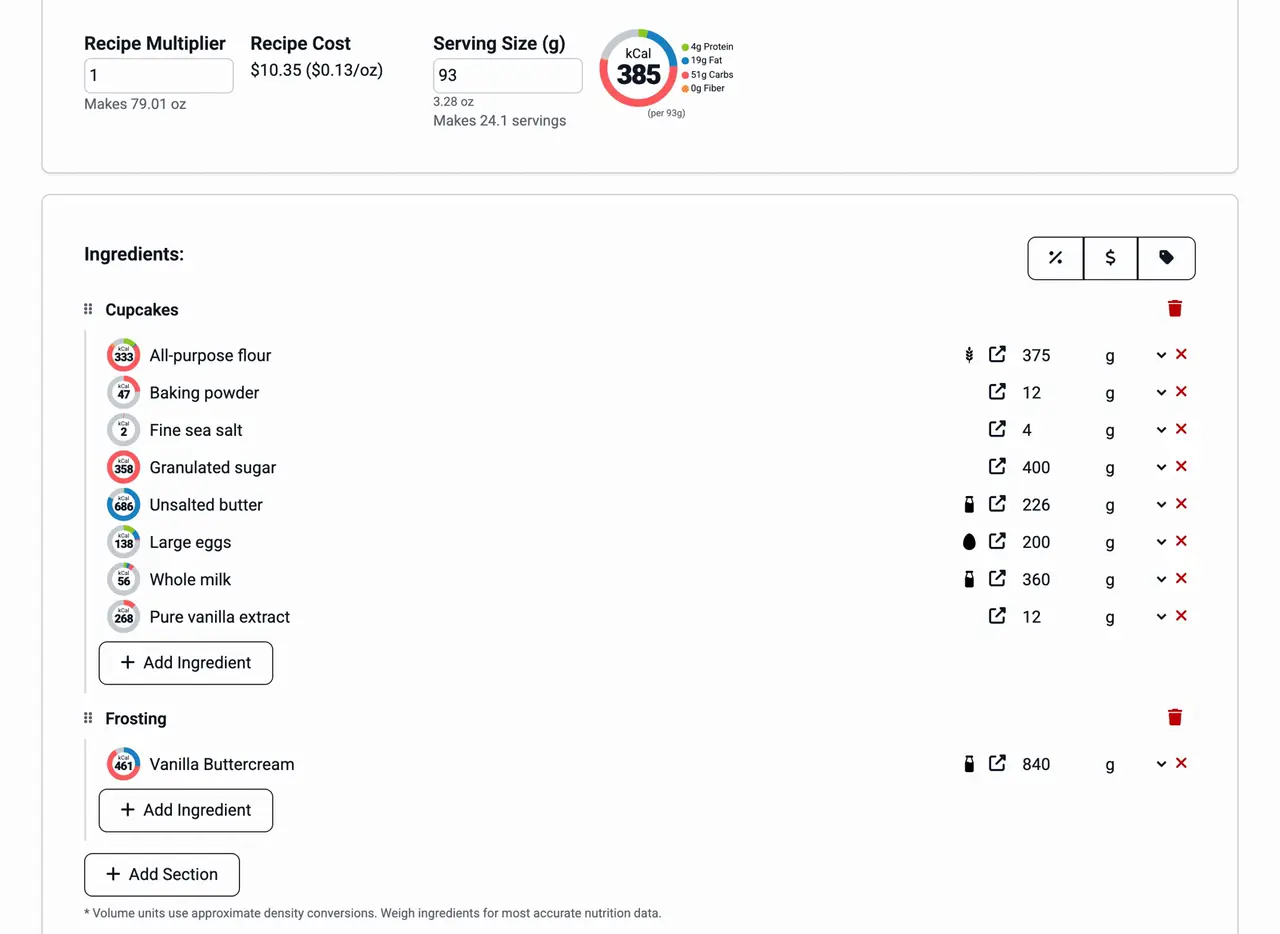
Meat loses weight as it cooks, so a portion weighed raw is not the portion in the container. Choose the cooking method for the recipe and the yield calculator estimates the cooked yield from moisture loss. You can also weigh a finished batch and enter that weight. Recipe costing explains yield and what a batch costs.
Container labels
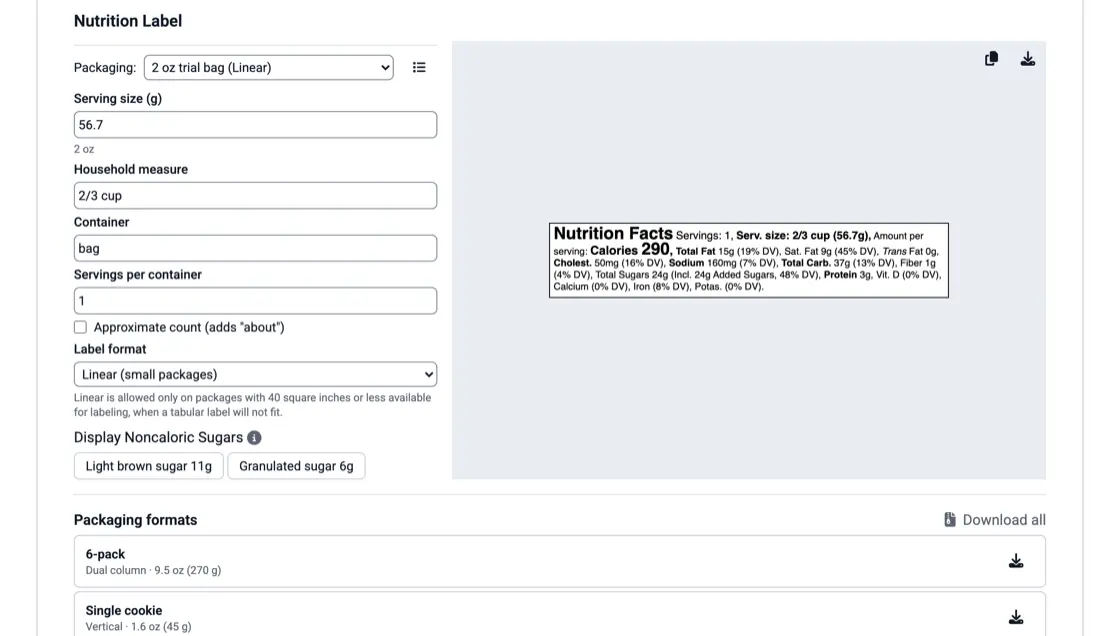
Save your container once as a packaging format and reuse it on every meal. Check it on a recipe and export that meal's label as a PNG to print on the stickers you already use. See the nutrition label generator. For the rest of the sticker, copy the ingredient list and the allergen statement; allergen detection explains how allergens are found.
Weekly menu
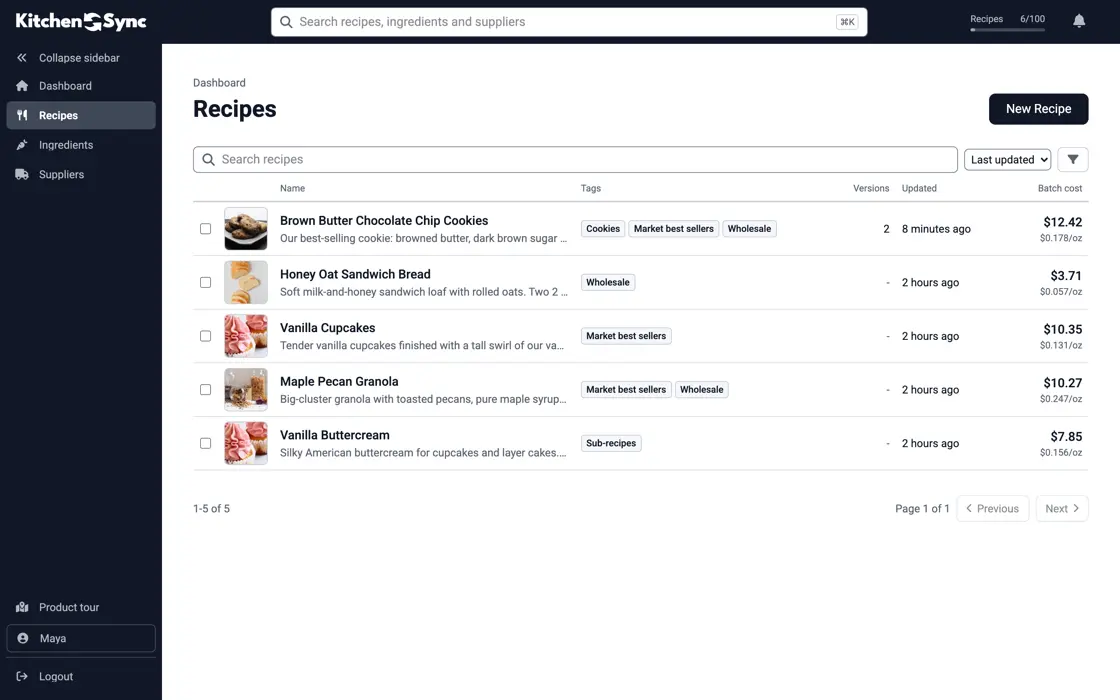
A meal that leaves the menu this week often comes back. It stays in your recipe library with its photo, nutrition and packaging formats. Tag meals by menu week or by diet, tag several at once, and filter the Recipes list by tag to see one week's menu. See recipe management.
Build an FDA-format Nutrition Facts label from your recipe and a nutrient database: what FDA allows, serving sizes, rounding, and a worked cookie example.
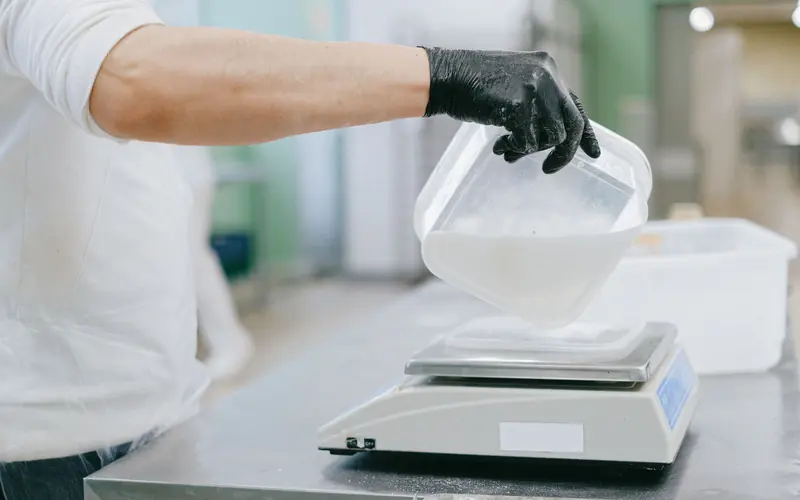
Convert a home recipe to grams and baker's percentages, scale it to a target yield, and plan for the parts that don't scale in a straight line.
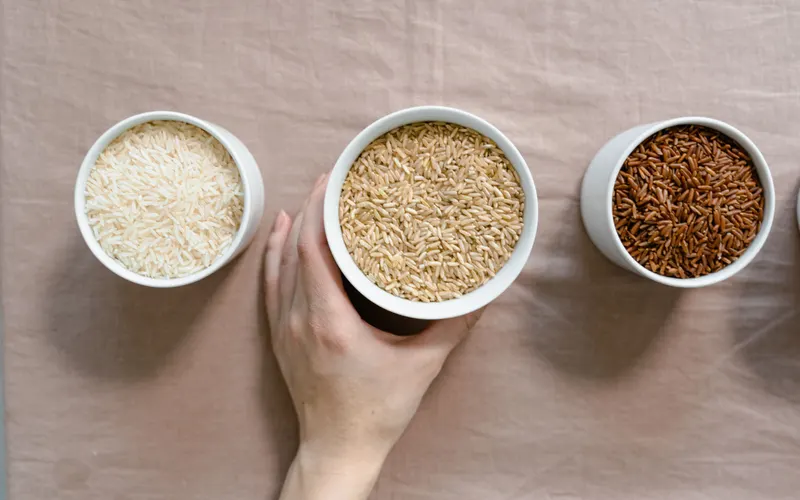
Foundation, SR Legacy, Survey (FNDDS) or Branded: what each FoodData Central data type is, which to use for an ingredient, and the mistakes that skew a label.
Add each ingredient and its weight from USDA FoodData Central, then set the serving size to one container. The recipe shows protein, carbohydrate and fat for the meal, and the Nutrition Facts label shows them per serving.
Yes. Export the label for each meal as a PNG, or copy it, and print it with the label printer or sticker service you already use. There are no per-label fees.
Yes. KitchenSync detects the FDA's nine major allergens from USDA ingredient descriptions and writes a Contains and May contain statement for the meal. You can correct the allergens on any ingredient.
Enter a meal, see its macros and export the container label. Start free.
Sign Up Free →Need more recipes? See KitchenSync plans and pricing