
How to Track Ingredient Price Changes and Protect Your Margins
Log each purchase, compare suppliers by price per gram, review on a schedule, and decide when to reprice, reformulate or change pack size.


KitchenSync is nutrition label and recipe costing software for food businesses. Restaurants use it to cost every dish from current supplier prices, keep prep recipes inside menu recipes, and answer allergen questions from the recipe.
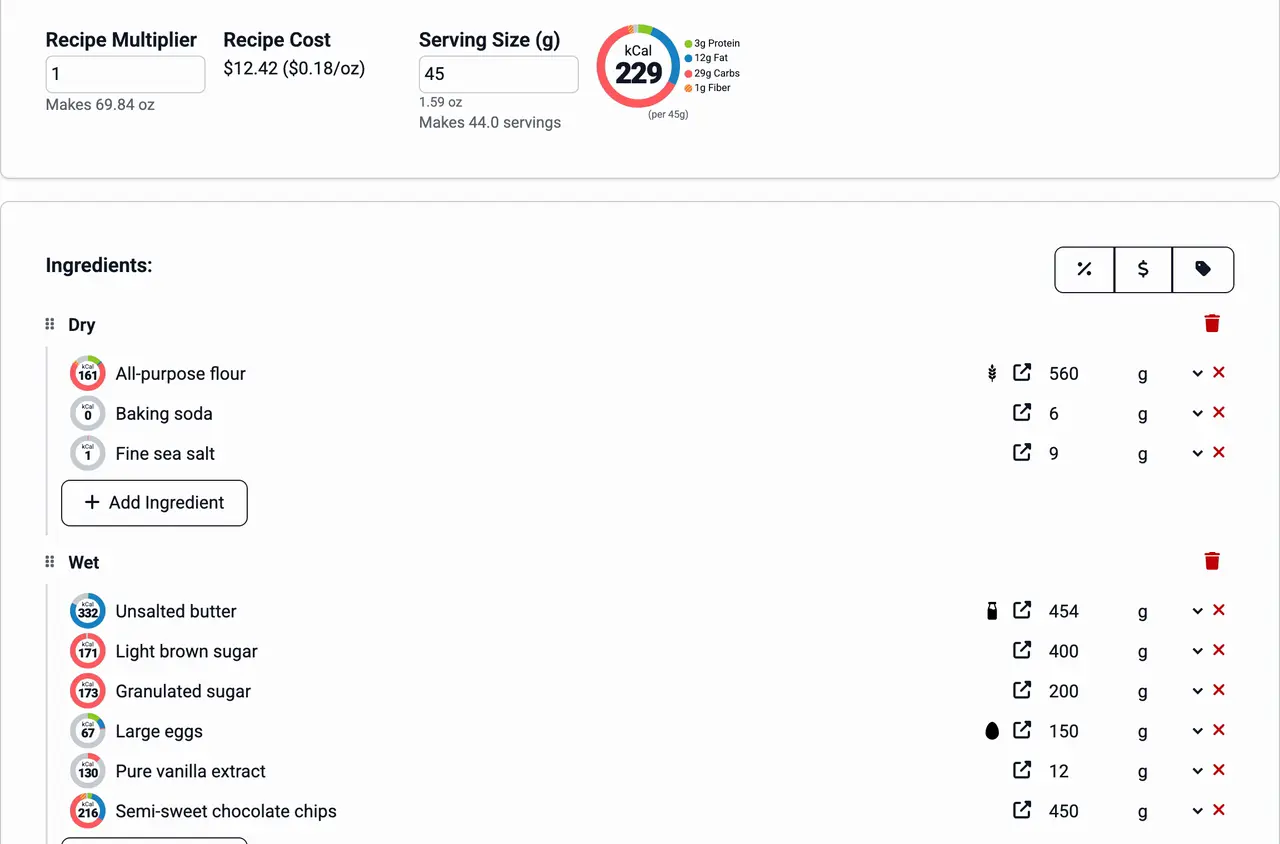
Dish costing
Enter a dish as a recipe with the amounts your kitchen uses. KitchenSync totals the batch cost from your ingredient prices and shows the cost per ounce, pound, gram or kilogram, so a 6-ounce portion is priced from the per-ounce figure. For braises, roasts and reductions, pick the cooking method and the yield calculator estimates the cooked weight, or enter the weight you measured. See recipe costing.
Prep recipes
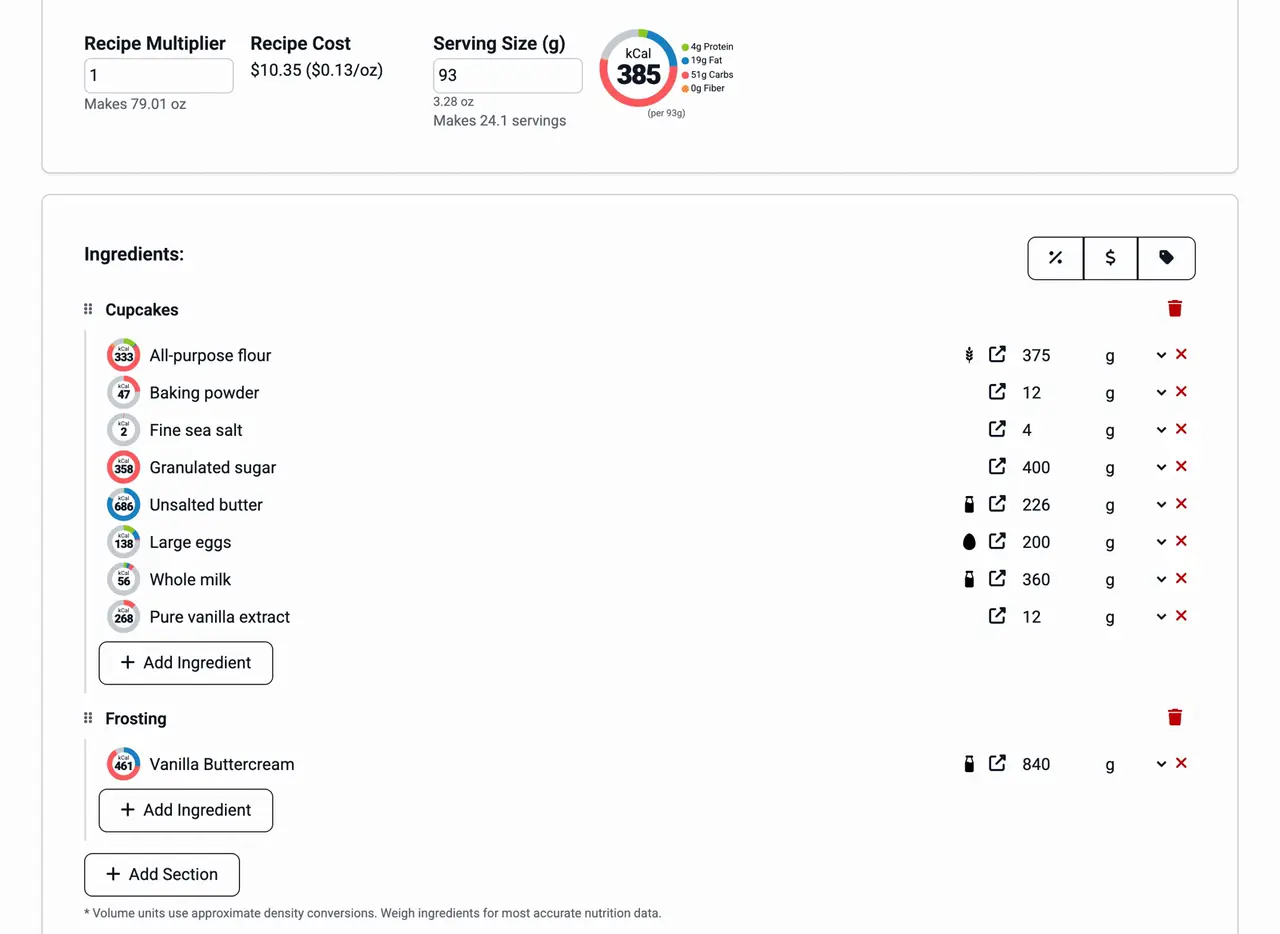
Save the chicken stock, the house vinaigrette and the pickled onions as recipes of their own, then add each one as an ingredient in the dishes that use it. The prep recipe's cost and nutrition carry into each dish. When the price of shallots or olive oil changes, every dish built on that prep recipe is costed again. See recipes inside recipes.
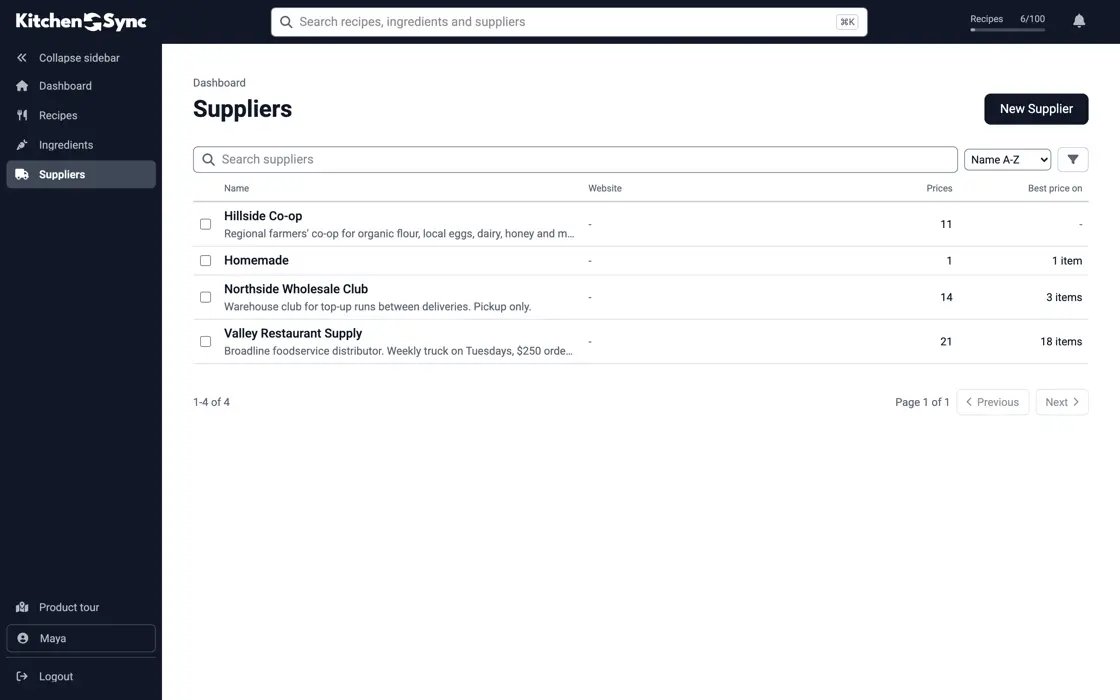
Supplier prices
Record what each supplier charges for an ingredient: the broadline distributor, the produce company, the restaurant supply store. KitchenSync costs recipes at the lowest unit price you have entered, and the Suppliers page lists each supplier's prices together. Change one price and the dishes that use that ingredient show the new cost. See ingredient pricing.
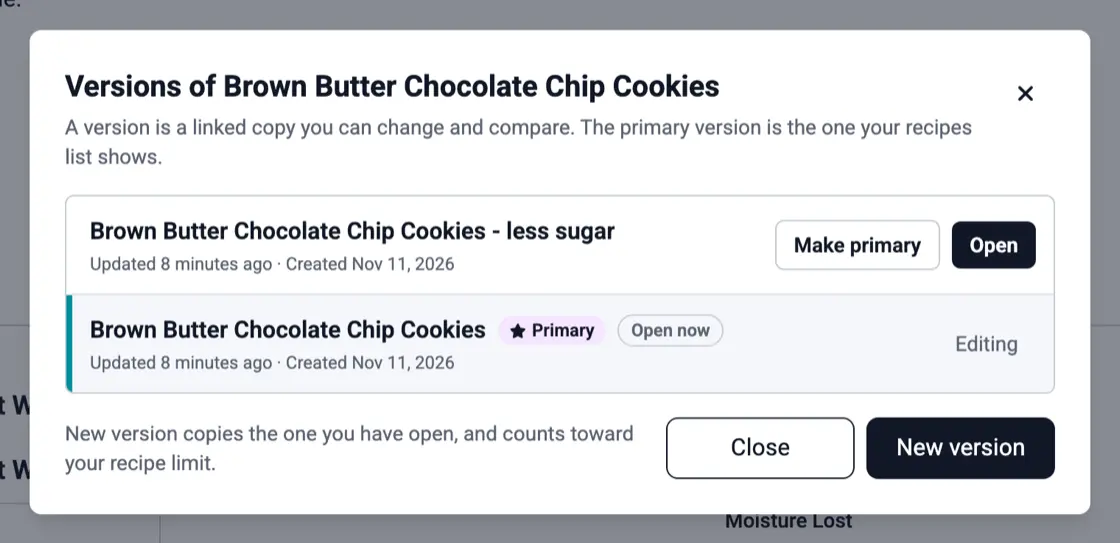
Menu changes
When a dish changes for the season or runs as a special, choose New version. The copy is linked to the original, both sit in one dropdown on the recipe, and you mark the one on the menu as primary. Each version is a full recipe with its own cost and allergen statement, so the spring menu is still there next spring. See recipe versioning.
Allergens
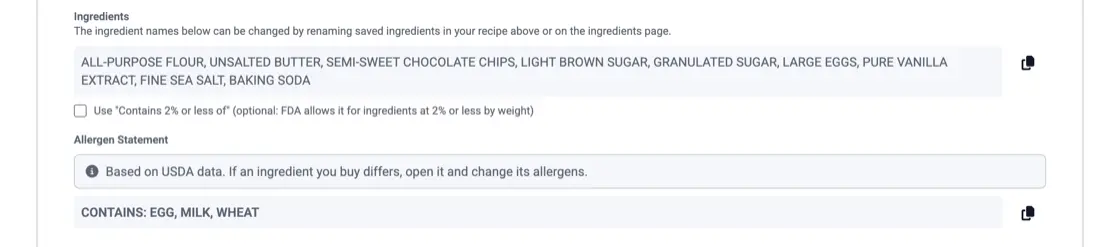
Guests ask what is in a dish. KitchenSync detects the FDA's nine major allergens from each ingredient's USDA description and writes a Contains statement for the dish, which you can copy for a menu note or an allergen binder. If the brand you buy differs, correct the ingredient once and every dish that uses it follows. See allergen detection.
Log each purchase, compare suppliers by price per gram, review on a schedule, and decide when to reprice, reformulate or change pack size.

A cup of flour can weigh 120 g or 160 g. How volume measuring throws off nutrition labels and food costs, and when a cup is close enough.

Why to keep the old formula when you change a recipe, which changes force a new label, and a simple naming and change-log habit.
Mostly no. Federal menu labeling applies to restaurants that are part of a chain with 20 or more locations. Packaged food you sell at retail, such as bottled sauce, falls under packaged food labeling rules, and KitchenSync makes a Nutrition Facts label for it from the recipe. Ask your health department what applies to you.
Enter the recipe and your ingredient prices. KitchenSync shows the batch cost and the cost per unit of weight. Multiply the cost per ounce by the portion weight to get the cost on the plate, then divide by the menu price for the food cost percentage.
Yes, on every plan. Add the prep recipe as an ingredient wherever it is used. Its cost and nutrition carry into each dish, and a price change on one of its ingredients reaches all of them.
Enter your dishes, prep recipes and supplier prices. Start free.
Sign Up Free →Need more recipes? See KitchenSync plans and pricing