Scaling a Home Recipe to Production Batches
Convert a home recipe to grams and baker's percentages, scale it to a target yield, and plan for the parts that don't scale in a straight line.

KitchenSync is recipe management software for food businesses. Keep every recipe in one searchable library, with ingredients grouped into sections, photos, tags and written instructions, and every edit saved as you make it.
Library
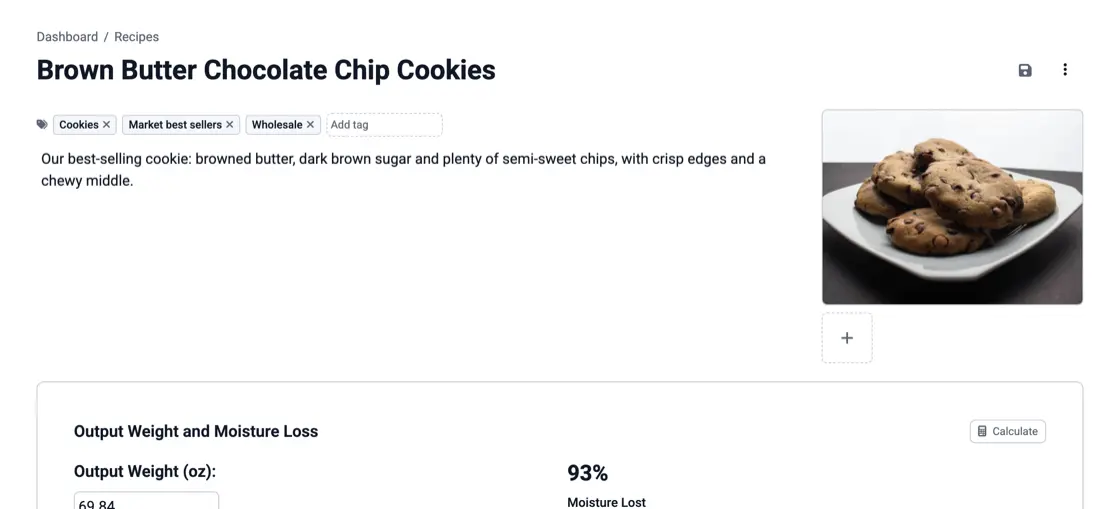
Every recipe you keep sits in one Recipes list. Tag recipes by product line, season or wholesale customer, and select several recipes to tag them all at once. The search bar at the top of every page looks through recipes, ingredients and suppliers together, so you can open a recipe from anywhere in the app by typing part of its name.
Sections
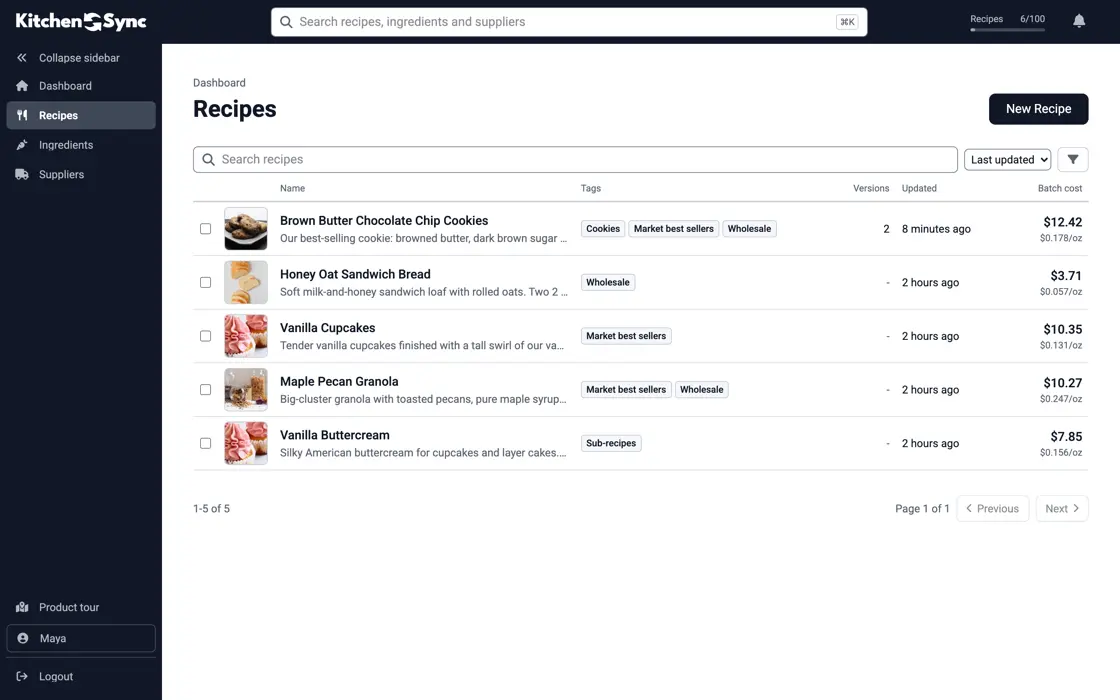
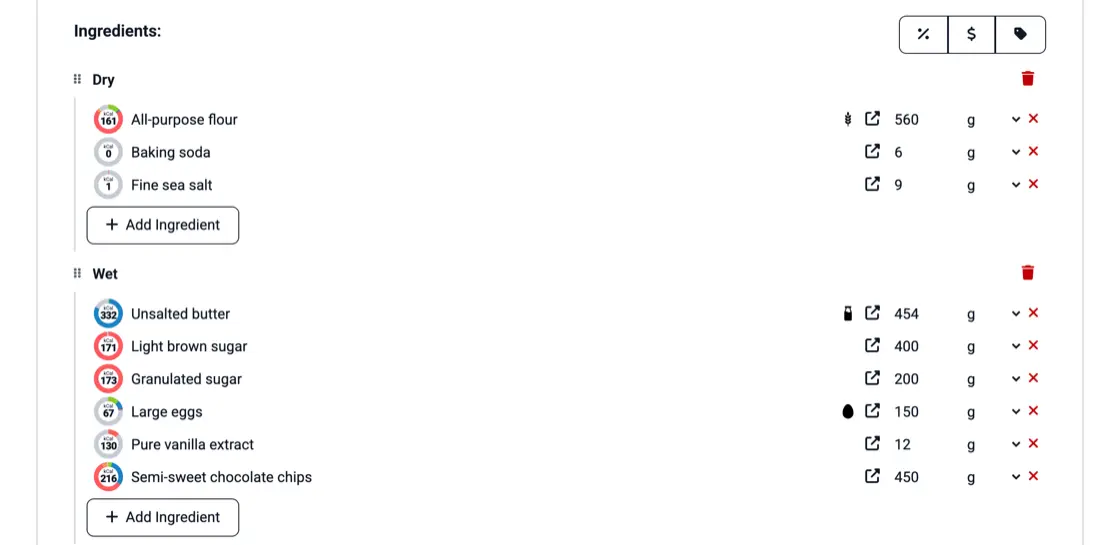
Split a recipe into named sections, such as a dough, a filling and a glaze. Drag an ingredient from one section to another, or drag a whole section to reorder the recipe. Ingredients come from USDA FoodData Central. A base you use in several products can be its own recipe, added here as an ingredient like any other (sub-recipes).
Units
Enter amounts by weight (g, kg, oz, lb) or by volume (tsp, tbsp, cup, fl oz, pint, quart, gallon, ml, liter). KitchenSync converts volumes to grams with each ingredient's density, so a cup of flour counts as what it weighs. Choose one display unit for the whole account, grams, ounces, pounds or kilograms, and the app uses it everywhere.
Method
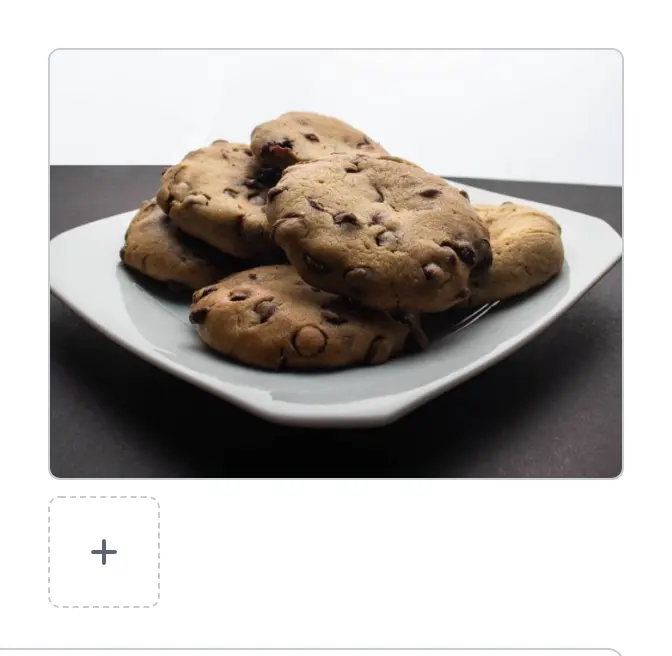
Write the instructions under the ingredients, one line per step, and add photos of the finished product to the recipe page. The page then holds what goes in, how much, and how it is made. When a batch needs to be bigger, set the recipe multiplier and every ingredient amount scales with it.
Autosave
KitchenSync saves each change as you make it: an amount, a section name, a step in the method. On your first login, a product tour walks you through a recipe, from adding ingredients to recording a price. The same recipe then gives you its batch cost and its Nutrition Facts label, with nothing entered twice.
Convert a home recipe to grams and baker's percentages, scale it to a target yield, and plan for the parts that don't scale in a straight line.

Why to keep the old formula when you change a recipe, which changes force a new label, and a simple naming and change-log habit.
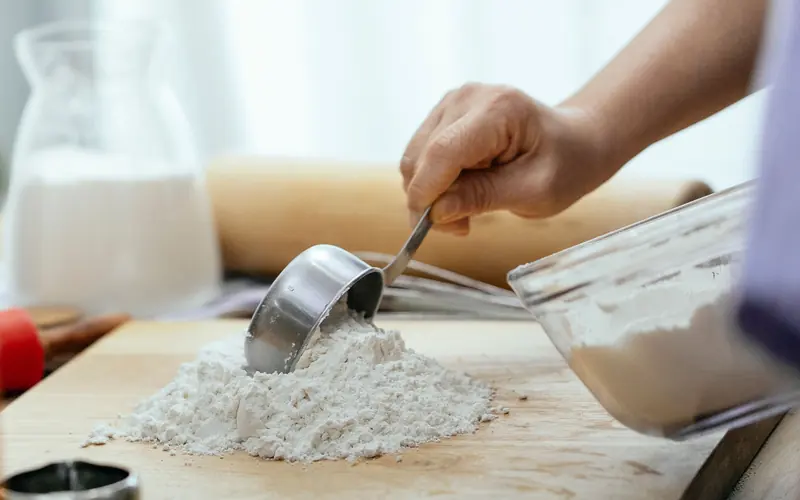
A cup of flour can weigh 120 g or 160 g. How volume measuring throws off nutrition labels and food costs, and when a cup is close enough.
Recreate each recipe from USDA FoodData Central: search for an ingredient, pick the closest match to what you buy and enter your amount. The nutrition data for that ingredient comes in with it, so you do not type nutrients by hand.
Plans differ only in how many recipes you can keep. Sections, photos, tags, search and everything else on this page are on every plan, including Free. The pricing page lists the recipe count for each plan.
Yes. New version makes a linked copy of a recipe, so you can test a change without touching the original. The recipe versioning page explains how versions and the primary version work.
Build your first recipe with sections, photos and tags. Every edit is saved as you go. Start free.
Sign Up Free →Need more recipes? See KitchenSync plans and pricing