

What is KitchenSync?
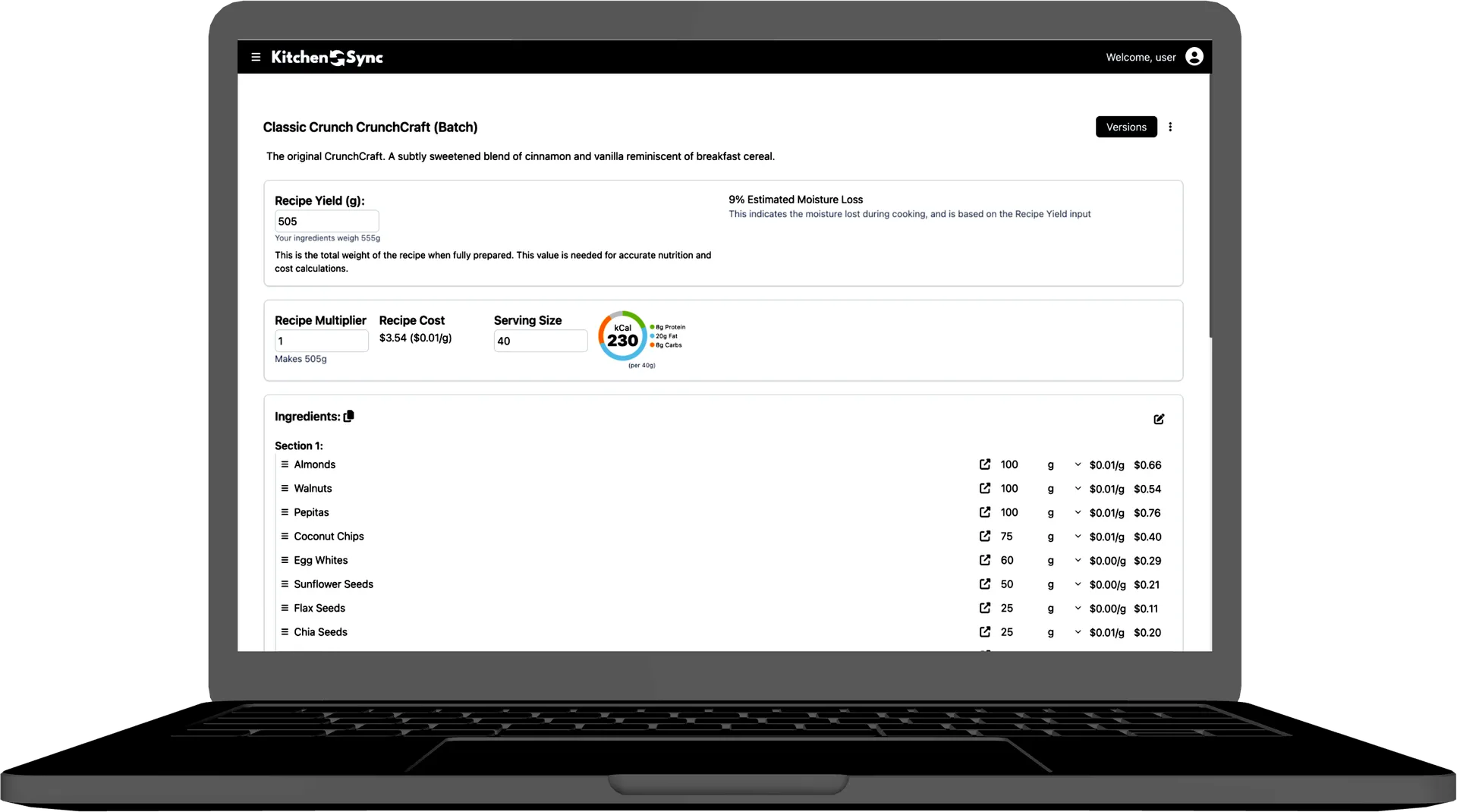
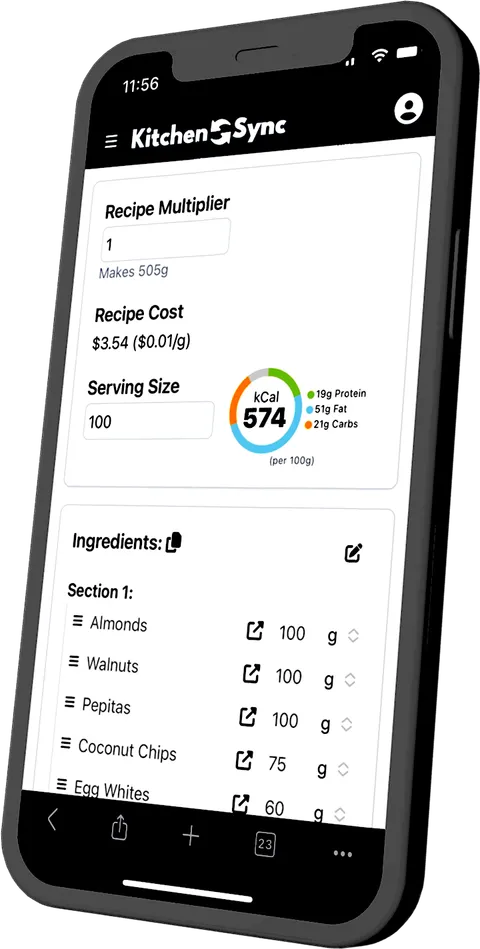
KitchenSync is nutrition label and recipe costing software for small food businesses. It is a web app that calculates nutrition from the USDA FoodData Central database, generates Nutrition Facts labels in the FDA format, and calculates recipe cost per batch and per serving from your supplier prices.
Built for Small Producers
Nutrition labels shouldn't cost a fortune
Most nutrition label software is built and priced for large manufacturers. KitchenSync is made for small producers, with unlimited label exports and no per-label fees.
Compare KitchenSync with ReciPalRecipe costing without the spreadsheet chaos
Track ingredient costs from multiple suppliers, calculate per-batch and per-serving costs automatically, and know your margins before you set your prices.
How recipe costing worksFDA-compliant labels in minutes, not hours
Enter your recipe, and KitchenSync generates a nutrition facts panel using USDA nutritional data. Export as PNG or copy to clipboard. No nutritionist required.
Nutrition label generatorEverything You Need to Run Your Food Business
Create and organize recipes with full ingredient lists. Measure by weight or by volume, with volume converted to weight for accurate nutrition. Version your recipes as you experiment.
Managing recipes in the docsAutomatic macronutrient and micronutrient calculation using the USDA FoodData Central database. See real-time nutrition breakdowns as you build recipes.
Calculating recipe macrosGenerate nutrition facts panels that meet FDA formatting requirements. Export as PNG, copy to clipboard, or save to your account. No per-label fees. No branding watermarks.
Nutrition Facts label generatorTrack ingredient costs from multiple suppliers. Calculate cost per batch, per serving, and per unit. Know your margins before you price your products.
Recipe costing softwareUse recipes as ingredients in other recipes. Perfect for sauces, doughs, spice blends, and other components that appear in multiple products.
Using recipes as ingredientsOrganize complex recipes into sections. Track excluded sugars. See allergen flags for the FDA's nine major allergens alongside your recipes.
Allergen detection for the FDA major allergensSee every feature, step by step, in the KitchenSync documentation.
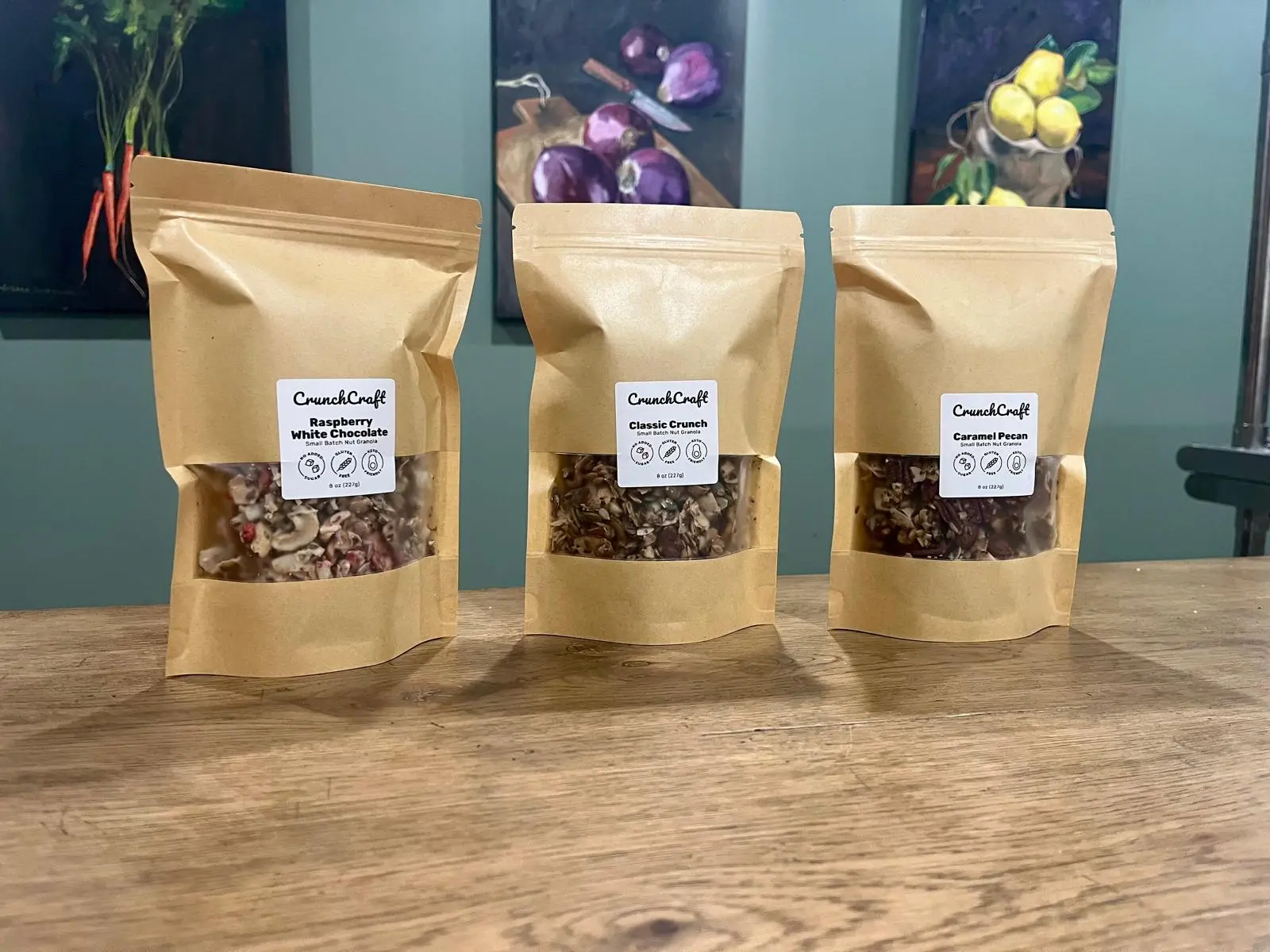
As a software engineer who started a healthy food brand, I quickly realized that there were no good tools for managing recipes, experimentation, costs, and nutrition in realtime... So, I built one.
If you're in the same position I was, you'll love using KitchenSync to superpower your kitchen management.

Jennifer Trippett
Owner of CrunchCraft and KitchenSync
Simple Pricing. No Hidden Fees.
No per-label charges. No export limits. No branding on your labels.
Free
Free forever. No credit card required.
- 1 recipe
- Unlimited nutrition labels
- Recipe costing
- Label exports (PNG)
- USDA database access
- Not included: Nested recipes
Starter
For growing food businesses.
- 25 recipes
- Unlimited nutrition labels
- Recipe costing
- Label exports (PNG)
- USDA database access
- Nested recipes
Growth
For scaling production.
- 100 recipes
- Unlimited nutrition labels
- Recipe costing
- Label exports (PNG)
- USDA database access
- Nested recipes
How KitchenSync Compares
| Feature | KitchenSync Starter | ReciPal Business | Food Label Maker Basic |
|---|---|---|---|
| Monthly price | $14.99 | $59 ($49 billed annually) | $49 ($25 billed annually) |
| Recipe limit | 25 recipes | 50 per month | 50 per month |
| FDA-format Nutrition Facts labels | Yes | Yes | Yes |
| Recipe costing | Yes | Yes | Not on Basic (Plus plan and up) |
| Ingredient data | USDA FoodData Central | USDA database plus specialty ingredients | Own database (500,000+ ingredients) |
Prices checked October 2026. Sources: ReciPal pricing, ReciPal homepage, ReciPal FAQ, Food Label Maker pricing. Competitor plans and prices change; check their sites for current terms.
Read the full KitchenSync and ReciPal comparison or the KitchenSync and Food Label Maker comparison.
Built for Small Food Businesses
Most cottage food products are exempt from a Nutrition Facts panel, but in most states the label still has to name allergens. KitchenSync flags the nine major allergens in every recipe, and the full nutrition label is ready if you move into wholesale or start making nutrition claims.
Baking drives off water, so a cookie weighs less than its dough. The yield calculator accounts for moisture loss, and label presets cover the single, the 6-pack and the dozen from one recipe.
Bars and clusters lean on nuts and sweeteners. KitchenSync flags tree nuts and peanuts, puts sugar alcohols on their own label line, and labels the trial bag, the pouch and the bulk bag from one recipe.
Sauce recipes are written in cups and tablespoons, but labels and costs run on weight. KitchenSync converts volume to grams with USDA density data, so you can label a 1 tbsp serving and cost each batch straight from the recipe as you make it.
Booth prices have to keep up with ingredient prices. Update a supplier price and see the new cost per item before you write the price card, and have the allergens and a nutrition label ready when a shop offers to stock you.
Frequently Asked Questions
What is KitchenSync?
KitchenSync is nutrition label and recipe costing software for small food businesses. It is a web app that calculates nutrition from the USDA FoodData Central database, generates Nutrition Facts labels in the FDA format, and calculates recipe cost per batch and per serving from your supplier prices.
Are KitchenSync nutrition labels FDA-compliant?
KitchenSync generates Nutrition Facts panels in the FDA format, including serving size, calories, macronutrients with % Daily Value, and vitamins and minerals. Values are calculated from USDA data for each ingredient, so accuracy depends on matching each ingredient to the right USDA entry, which you can review and change.
Where does the nutrition data come from?
The USDA FoodData Central database, including Foundation, SR Legacy, Survey (FNDDS) and Branded foods. You can also create custom ingredients.
How does recipe costing work?
Add prices for each ingredient from as many suppliers as you use. KitchenSync uses the best unit price to calculate the cost of a batch and of each serving, so you can see your margins before you set prices.
Does KitchenSync flag allergens?
Yes. It detects the FDA's nine major allergens (milk, eggs, fish, crustacean shellfish, tree nuts, peanuts, wheat, soybeans and sesame) from USDA ingredient descriptions and shows them on your recipe.
Can I measure ingredients by volume?
Yes. Recipes accept weight units (grams, kilograms, ounces, pounds) and volume units (teaspoons, tablespoons, cups, fluid ounces, pints, quarts, gallons, milliliters, liters). Volume is converted to weight using USDA density data or a custom density you set.
Can I use one recipe as an ingredient in another?
Yes, on the Starter and Growth plans. This is useful for sauces, doughs, spice blends and base mixes shared across products.
Do cottage food businesses need nutrition labels?
Often not. Many state cottage food laws and the FDA's small business exemption do not require a Nutrition Facts panel, but making a nutrient content or health claim generally removes the exemption, and rules vary by state. Check your state's requirements.
Start Managing Your Recipes Today
Bring your recipes, labels and costs together. Start free.
Sign Up Free →Questions? Email us at contact@kitchensync.co