Added Sugars, Total Sugars and Sugar Alcohols on a Nutrition Label
What counts as added sugars, how to calculate them for a recipe, when to declare sugar alcohols, how allulose is handled, and the 50 g Daily Value.

KitchenSync is nutrition label and recipe costing software for jam, jelly and preserve makers. Record what fruit and sugar cost this season, enter the weight of the cooked batch, and get a cost and a Nutrition Facts label for every jar size.
Fruit prices
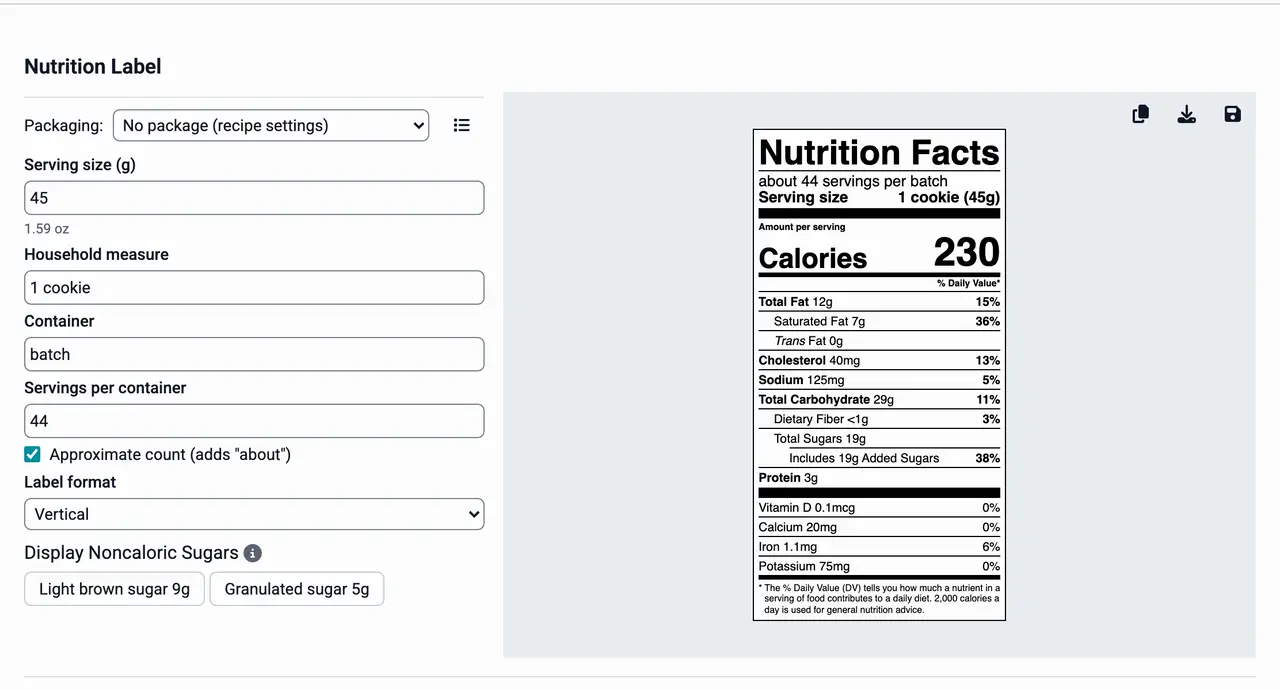
Strawberries from a farm in June and frozen strawberries from a distributor in January do not cost the same. Add each source as a supplier with its own price for the fruit, along with your sugar, pectin and lemon juice. KitchenSync costs each batch at the lowest unit price you have entered. Update a price when the season turns and every jam made with that fruit is recosted. See ingredient pricing.
Cooked yield
A jam boiled to its set point weighs less than the fruit and sugar that went in. Weigh the filled jars from one batch, subtract the glass, and enter the total as the recipe's yield. If you have not weighed a batch yet, choose one of the reduction cooking methods and the yield calculator estimates it. Batch cost and cost per ounce are then based on finished jam. See recipe costing.
Labels
FDA's reference amount for jams and jellies is 1 tablespoon (21 CFR 101.12(b)). Weigh a tablespoon of your jam, enter that as the serving size with "1 Tbsp" as the household measure, and KitchenSync builds the Nutrition Facts label. The sugar you add counts as added sugars. The sugar in the fruit counts only toward total sugars. See the nutrition label generator.
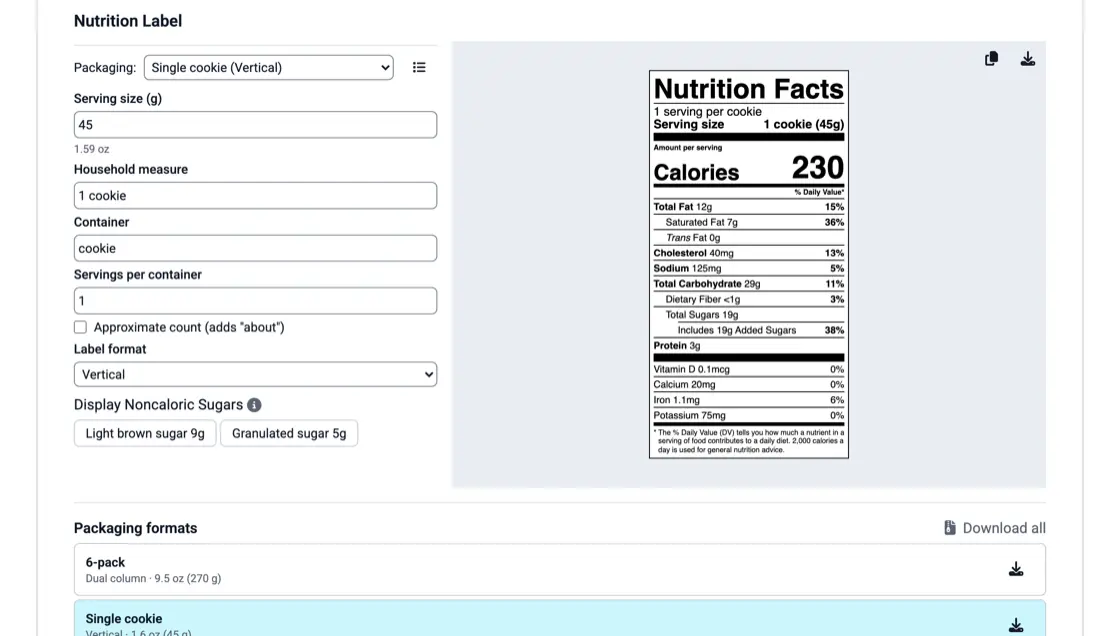
Jar sizes
Save each jar as a packaging format with its net weight, serving size and label format. Check the jars a recipe is sold in and export their labels together. A 1.5 oz sampler jar has little room, so it may qualify for the linear format, which FDA allows on packages with 40 square inches or less of label space when a vertical or tabular label does not fit (21 CFR 101.9(j)(13)(ii)(A)). The same formats work for every flavor, so a new jam needs only its recipe.
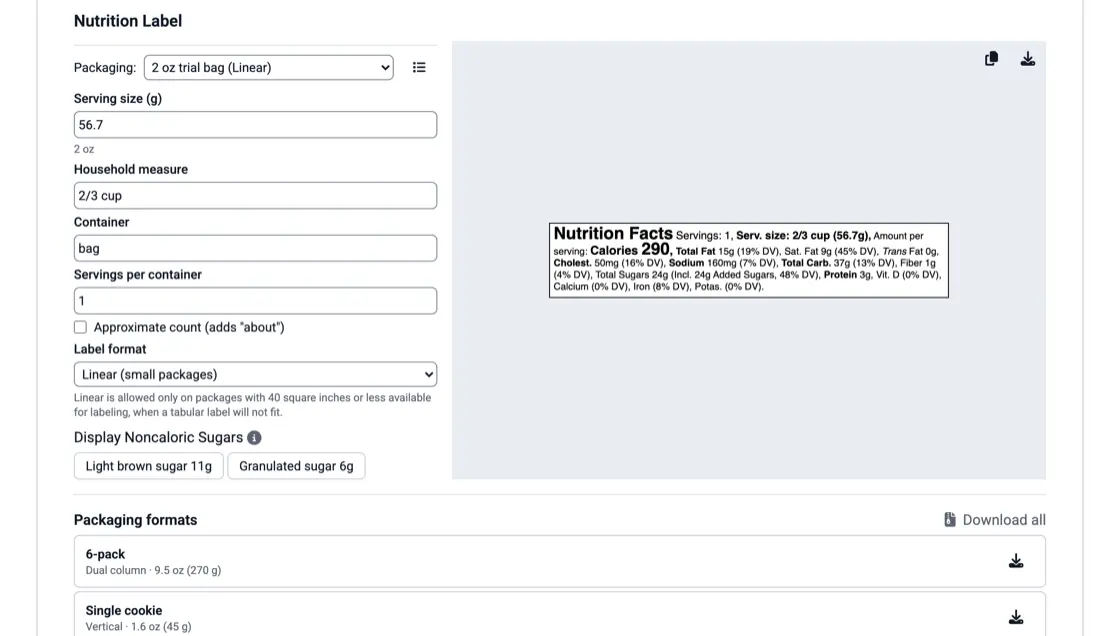
Variations
A low-sugar strawberry, a strawberry with vanilla and the classic can be linked versions of one recipe, with the one you sell most marked primary. Each version has its own label, ingredient list and cost. A base you reuse, such as a pectin stock or a spiced syrup, can be a recipe of its own used inside the others. See recipe versioning and recipes inside recipes.
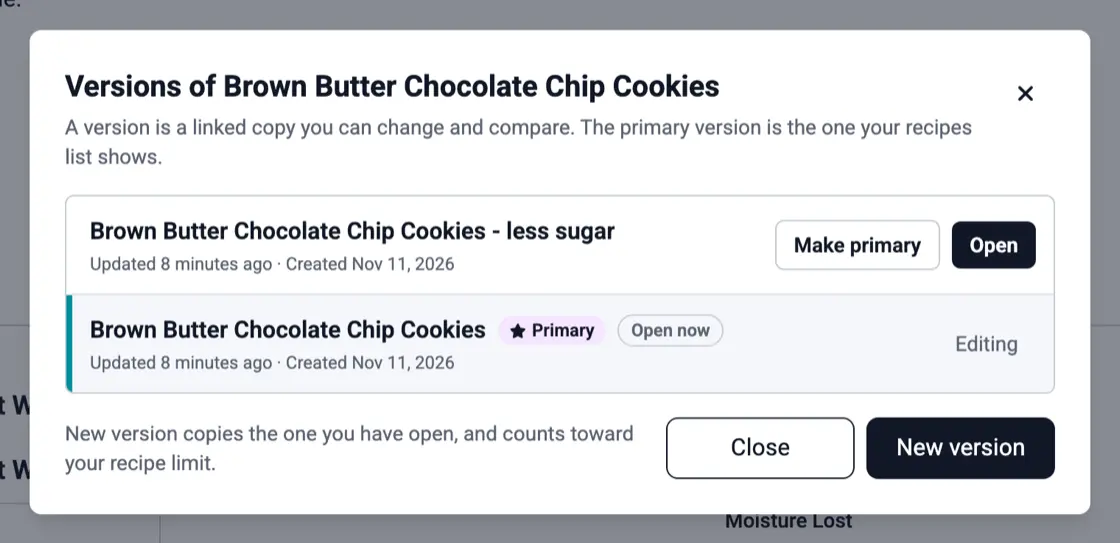
What counts as added sugars, how to calculate them for a recipe, when to declare sugar alcohols, how allulose is handled, and the 50 g Daily Value.
Find your product's FDA reference amount, turn it into a cup, spoon or piece, and count servings, with cookie, granola and hot sauce examples.
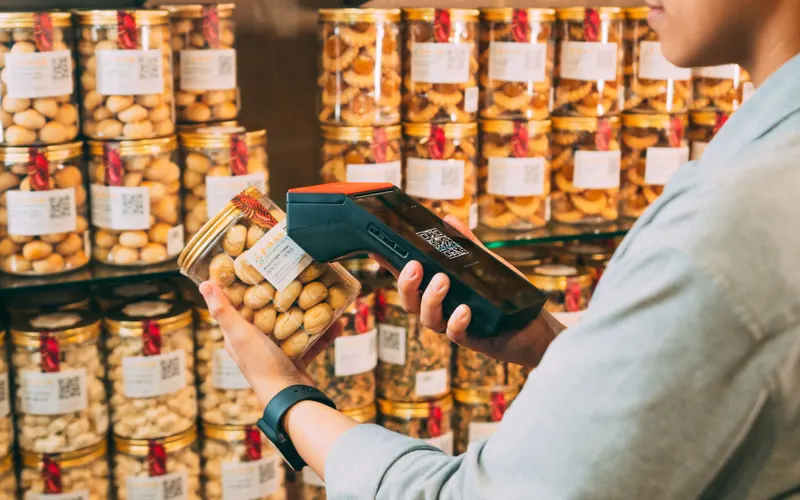
What federal traceability rules require of food producers, where the FSMA 204 rule stands, and a simple lot code scheme with a worked batch record.
Enter the recipe with ingredients from USDA FoodData Central, enter the cooked batch weight as the yield and set the serving size. KitchenSync calculates the nutrition per serving and builds a Nutrition Facts label in the FDA format, which you export as a PNG.
Fruit, sugar, pectin and lemon juice contain none of the nine major allergens. The exceptions are conserves with walnuts or almonds (tree nuts), butter added to cut foam (milk), and curds, which contain eggs and milk. KitchenSync detects these from the ingredients and writes the Contains statement.
Every ingredient, in descending order by weight. KitchenSync writes the list from the recipe, including the components of any recipe used inside it, and gives you a copy button.
Enter this season's fruit prices and your cooked batch weight. Start free.
Sign Up Free →Need more recipes? See KitchenSync plans and pricing