
How to Track Ingredient Price Changes and Protect Your Margins
Log each purchase, compare suppliers by price per gram, review on a schedule, and decide when to reprice, reformulate or change pack size.


A recipe costing spreadsheet works from prices you type and formulas you maintain. KitchenSync is nutrition label and recipe costing software for food businesses: it costs each batch from your supplier prices and recalculates when a price changes.
Keep the spreadsheet
A spreadsheet can model anything you can write a formula for. If your costing includes labor, packaging, overhead, a target margin or a cost per serving, a spreadsheet handles all of it, and KitchenSync costs ingredients only. A spreadsheet also suits a short product list bought from one supplier at prices that rarely move. You already own it, and nobody has to learn a new tool.
The upkeep
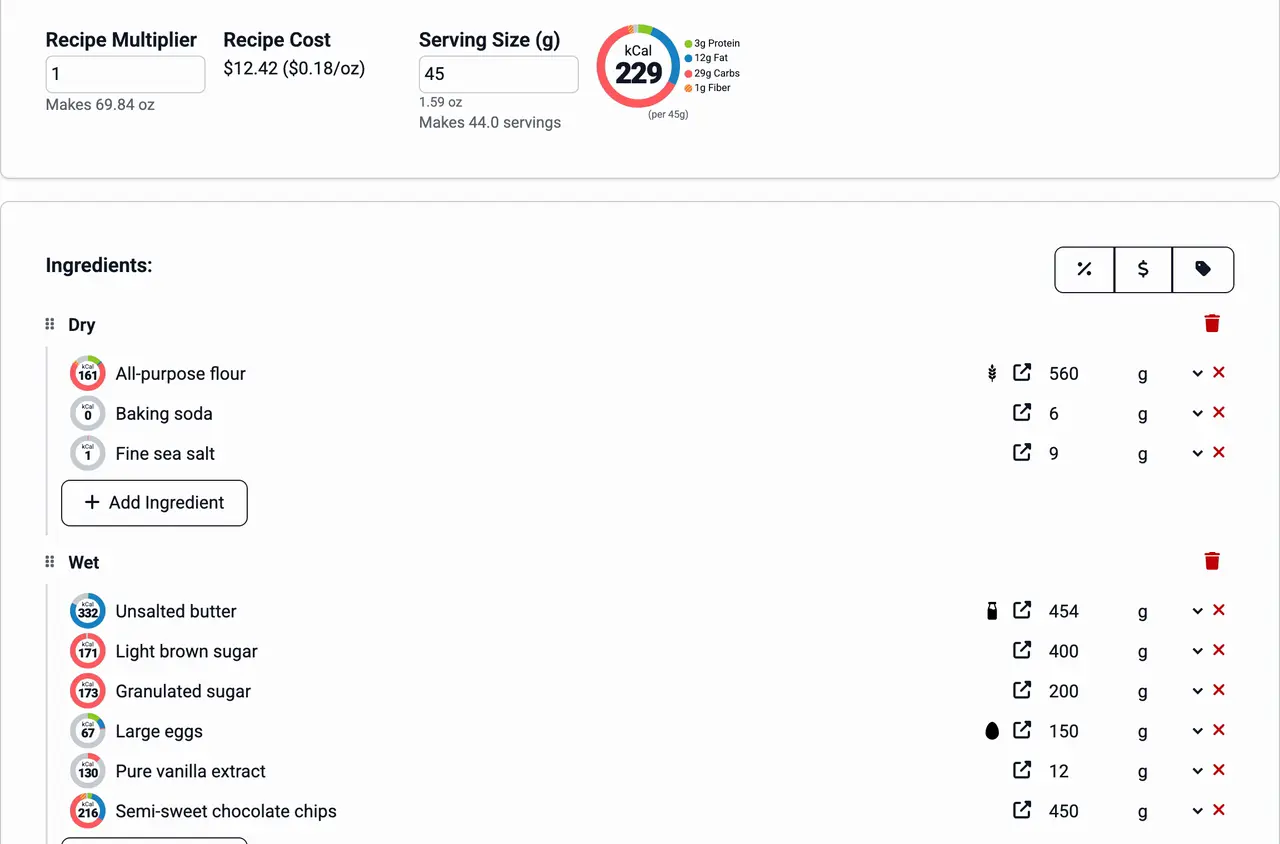
A recipe cost template is built by hand. You convert a 50 lb sack price to a price per gram, convert cups to weight, and point each recipe row at the right price cell. When a supplier raises a price, you update it and then check every recipe that copied the old number. A base recipe used in six products means six sets of references to keep correct. None of this is hard. It is work that grows with every recipe and supplier.
In KitchenSync
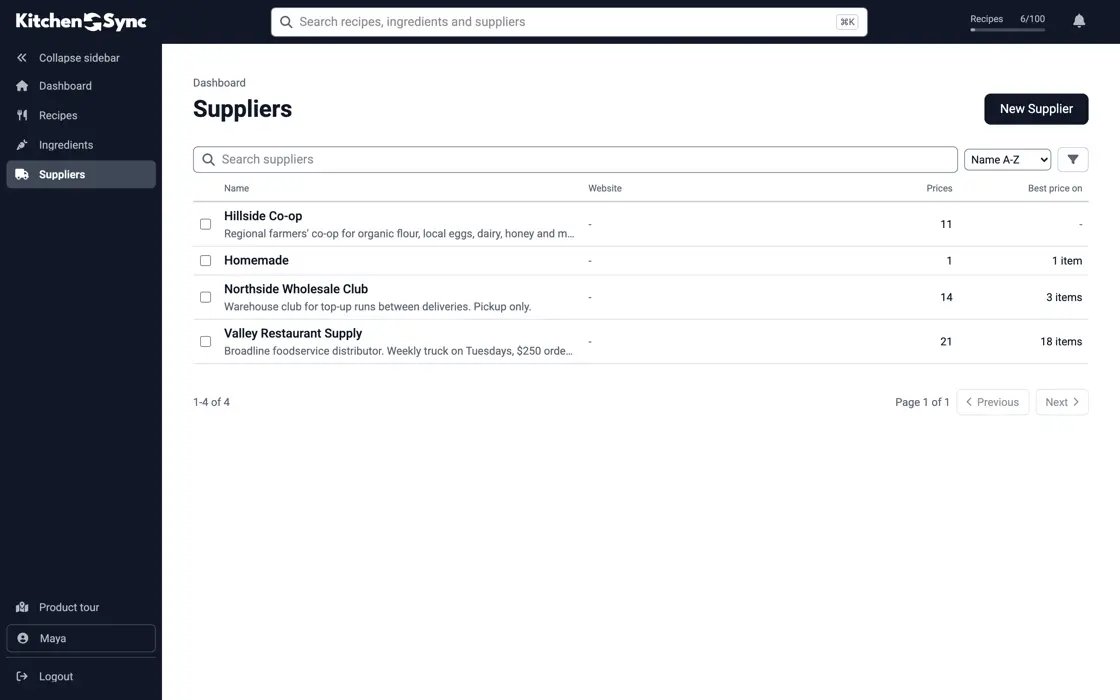
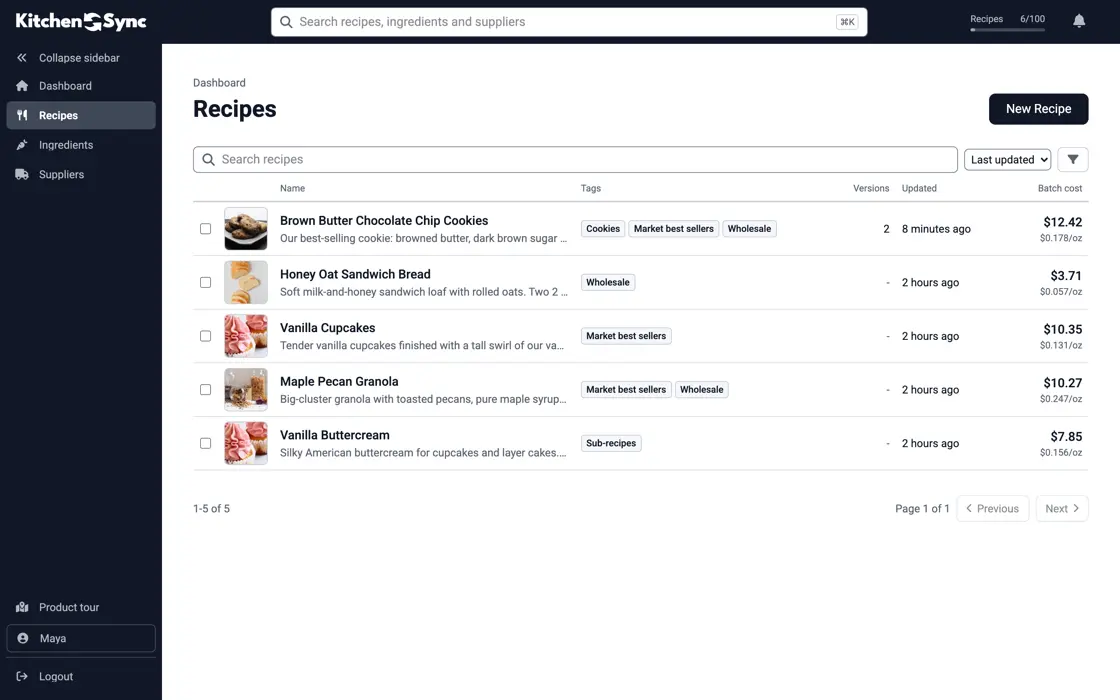
In KitchenSync you record what each supplier charges for an ingredient and the package size. The app turns it into a unit price and uses the lowest one, as the ingredient pricing page describes. Every recipe that uses the ingredient reads that price, so there are no cells to copy. The recipe shows its batch cost and its cost per unit of weight; the recipe costing page walks through the calculation.
Beyond cost
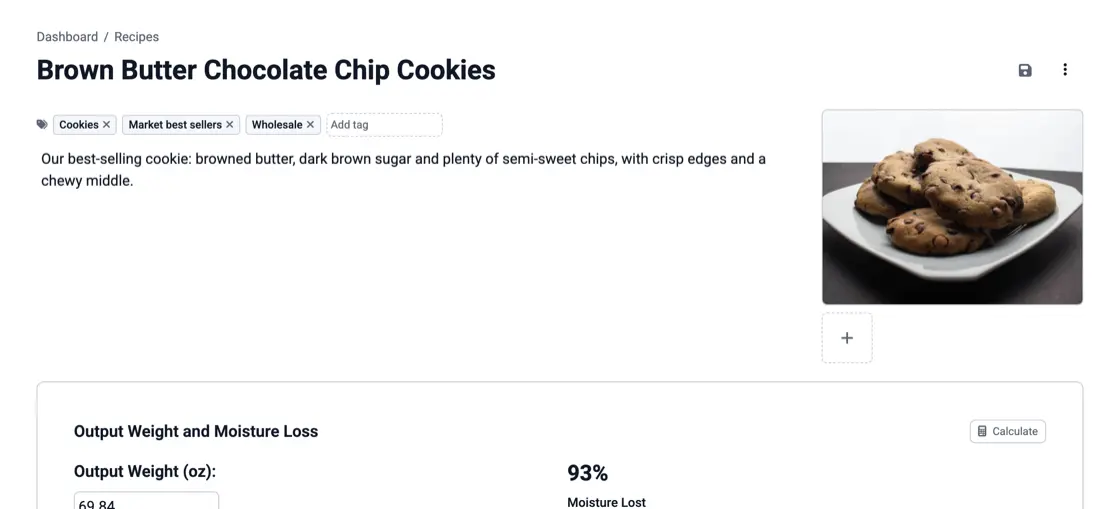
A costing spreadsheet stops at cost. The recipe you cost in KitchenSync is the same one that produces the Nutrition Facts label, the ingredient list and the allergen statement, so a change to the formula reaches all of them at once. If you only need a cost figure and buy your labels elsewhere, that is one more reason a spreadsheet may be enough.
Switching
KitchenSync does not read spreadsheet files. You recreate each recipe by searching USDA FoodData Central for its ingredients and entering the amounts, then add your supplier prices. You can keep the spreadsheet for the pricing model: take the batch cost from KitchenSync, type it into the sheet, and let your own formulas add labor, packaging and margin. Start with the products whose ingredient prices change most often.
Log each purchase, compare suppliers by price per gram, review on a schedule, and decide when to reprice, reformulate or change pack size.

Build cost per unit from price per gram, real yield, packaging, labor and overhead, then set retail and wholesale prices. One batch worked through.
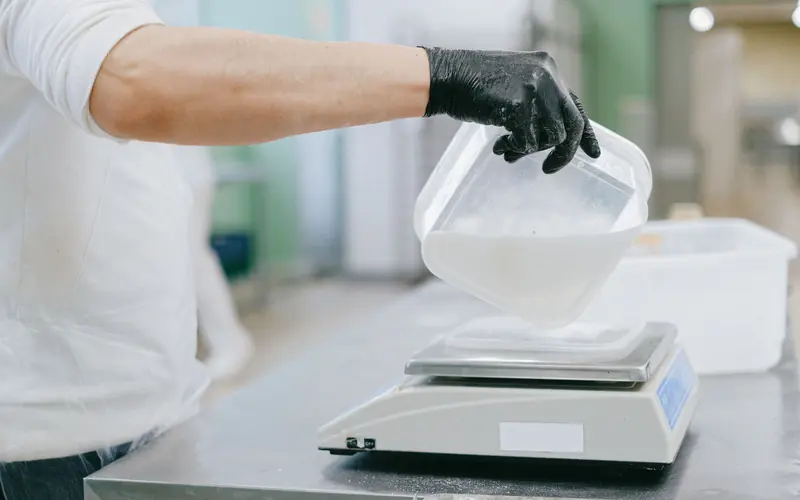
Convert a home recipe to grams and baker's percentages, scale it to a target yield, and plan for the parts that don't scale in a straight line.
KitchenSync does not publish a spreadsheet template. The free food cost calculator does the per-ingredient math in your browser, including cost per serving, without saving anything.
No. Recipes are recreated from USDA FoodData Central ingredients, and supplier prices are entered once per ingredient. After that, every recipe that uses the ingredient is costed from the same price.
No. It costs the ingredients in a recipe from your supplier prices. Add labor, packaging and overhead to that figure yourself, in a spreadsheet or on paper, when you set a selling price.
Enter each supplier price once and read the batch cost on every recipe that uses it. Start free.
Sign Up Free →Need more recipes? See KitchenSync plans and pricing