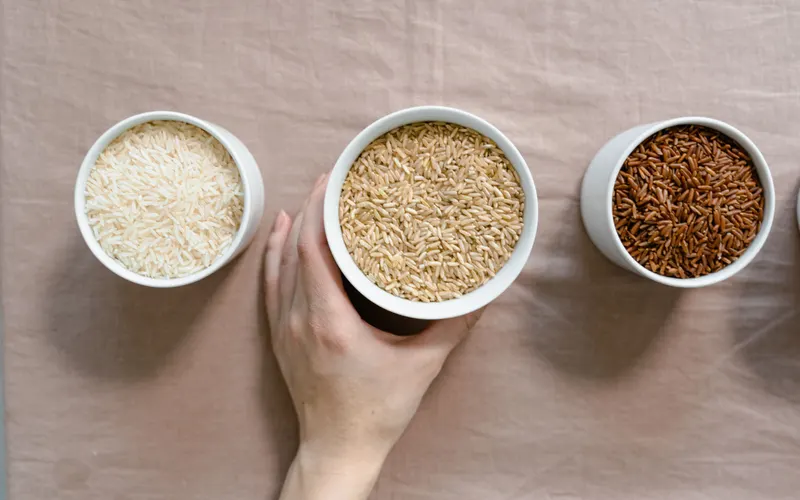
Choosing the Right USDA FoodData Central Entry for a Recipe
Foundation, SR Legacy, Survey (FNDDS) or Branded: what each FoodData Central data type is, which to use for an ingredient, and the mistakes that skew a label.


KitchenSync is nutrition label and recipe costing software for food consultants, recipe developers and dietitians. Build each client's recipes from USDA ingredient data in one account, and deliver a Nutrition Facts label, ingredient list and allergen statement.
Client work
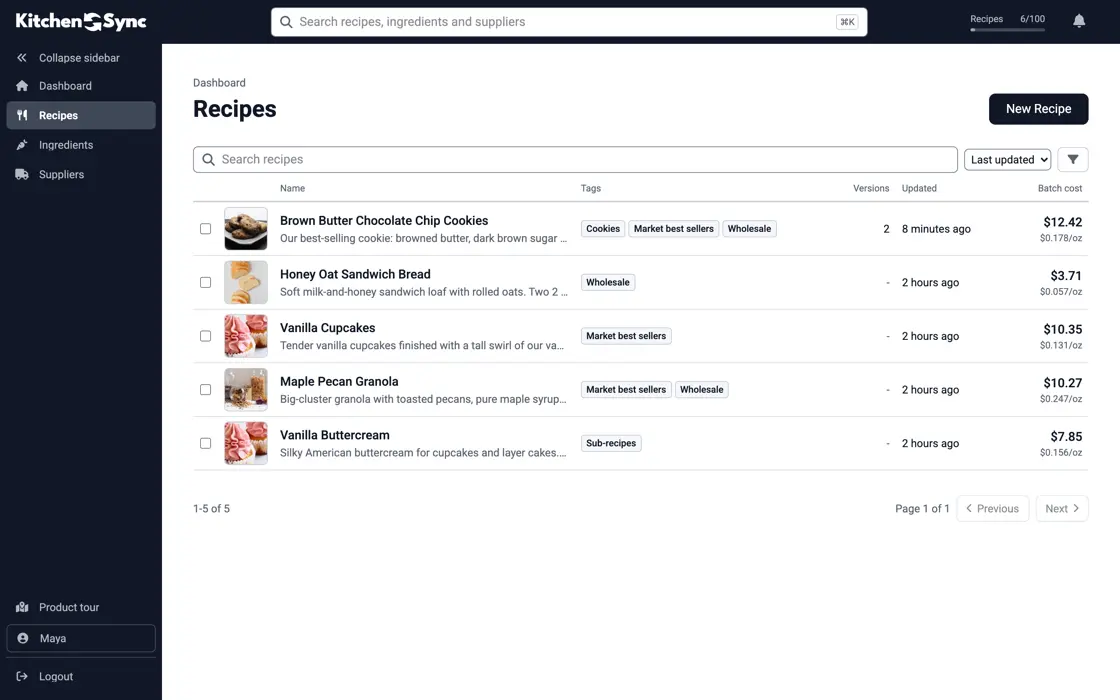
You keep one account and one recipe library. Tag each recipe with the client's name and the project, and tag a group of recipes at once when a new client arrives with a product line. Filter the Recipes list by tag to see one client's work, or use search to go straight to a recipe by name. See recipe management.
Revisions
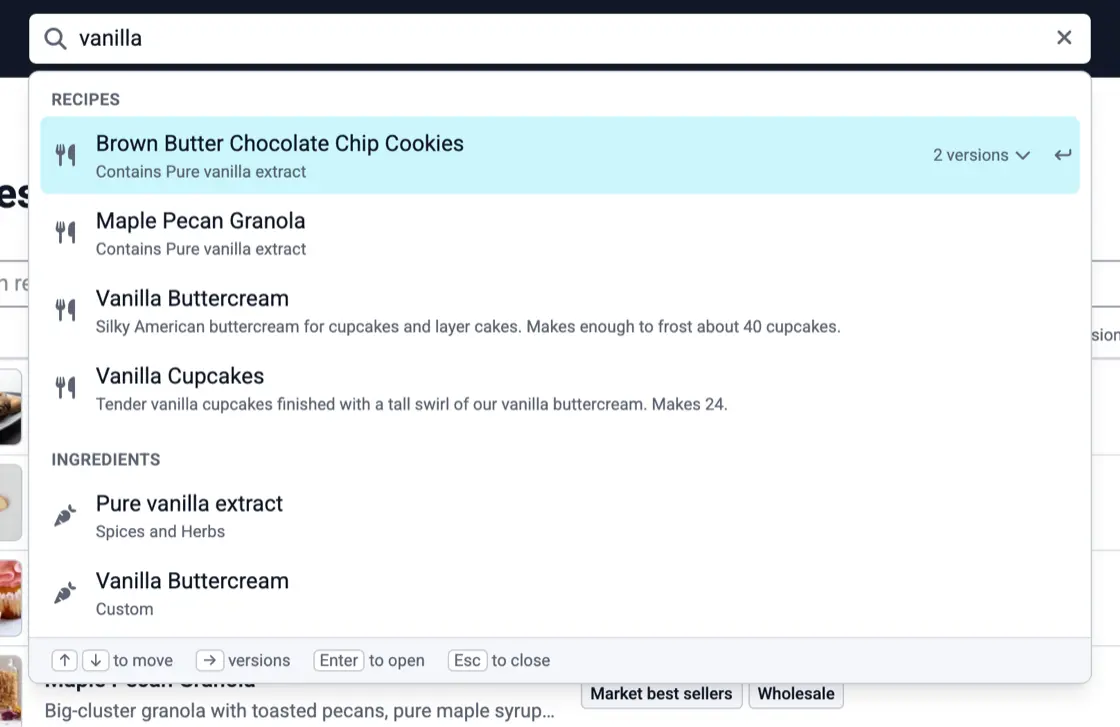
Client feedback means another round of changes. Make a new version for each round and the earlier ones stay as they were. All versions of a recipe sit in one dropdown and take one row on the Recipes list, so a long project does not crowd your library. Mark the version the client approves as primary. See recipe versioning.
Analysis
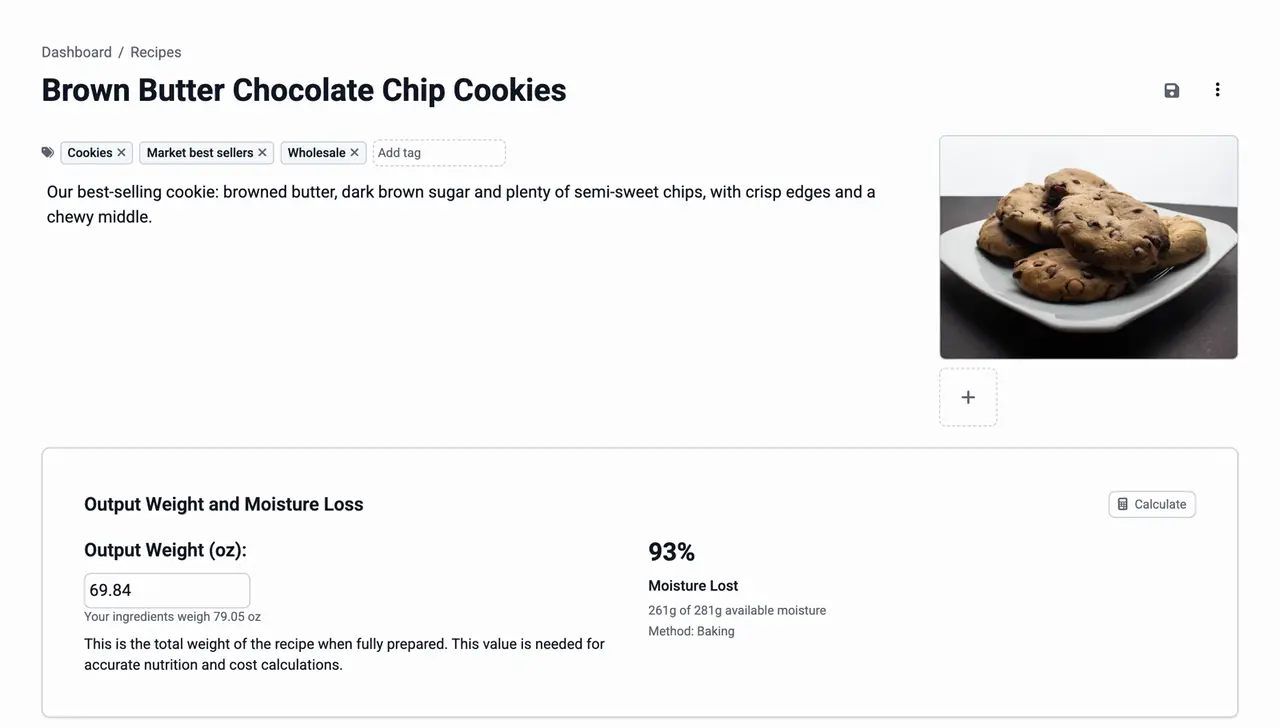
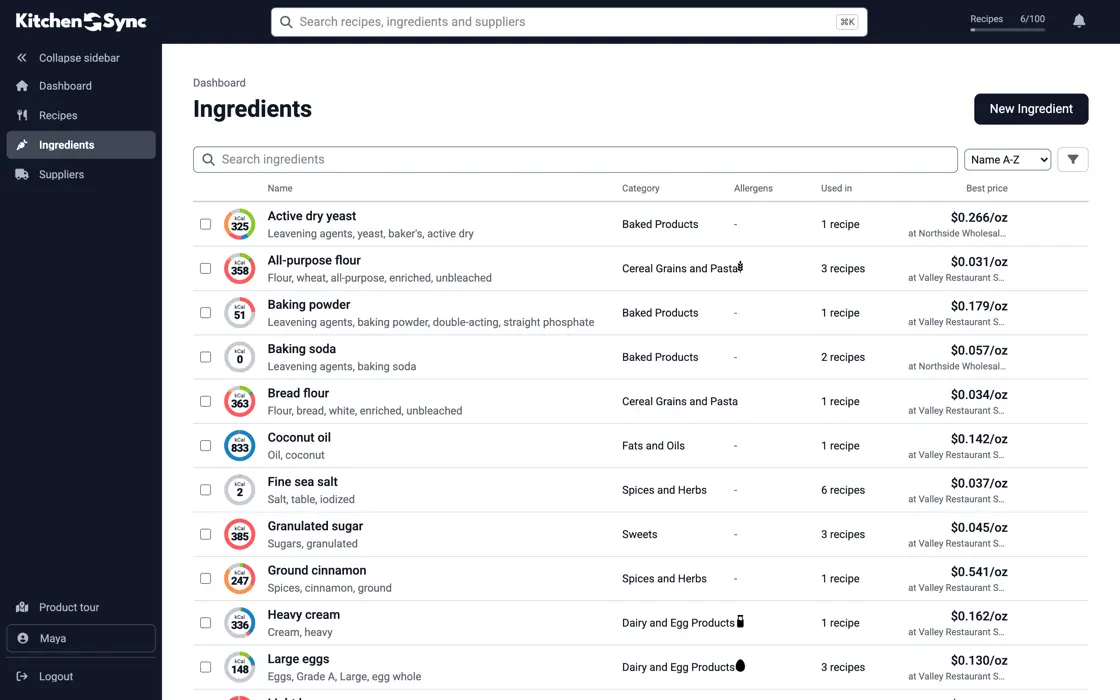
Ingredients come from USDA FoodData Central. The label lists micronutrients with % Daily Value and handles added sugars. Allergens are detected from the USDA descriptions, and when a client's ingredient differs you edit the allergens on that ingredient. The correction applies to every recipe that uses it. See allergen detection.
Deliverables
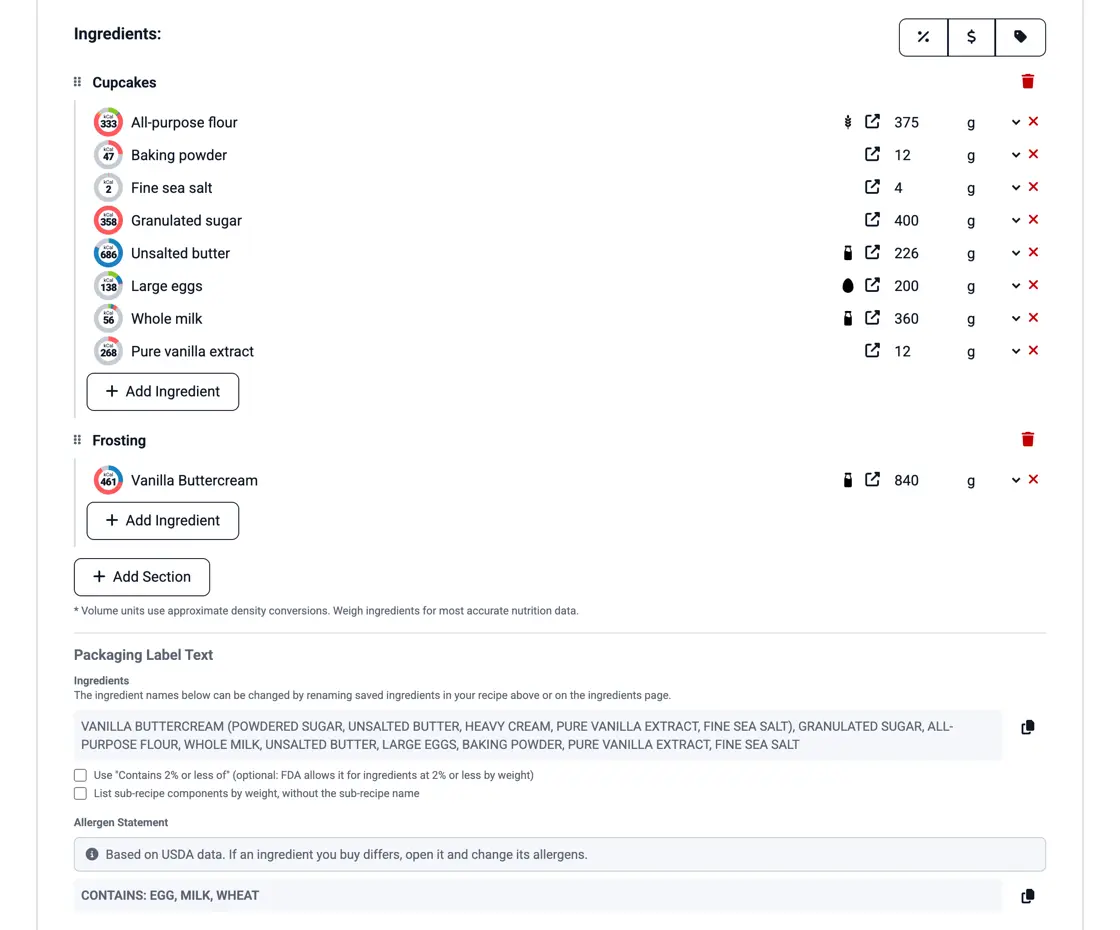
Pick the label format the client's package needs and export the Nutrition Facts label as a PNG. Copy the ingredient list and the allergen statement into your report or email. A recipe used inside another recipe has its components listed in the ingredient list. See the nutrition label generator and the ingredient list generator.
Foundation, SR Legacy, Survey (FNDDS) or Branded: what each FoodData Central data type is, which to use for an ingredient, and the mistakes that skew a label.

When a recipe-and-database Nutrition Facts label holds up, when to pay for lab analysis, and what labs charge on their published price lists.

Why to keep the old formula when you change a recipe, which changes force a new label, and a simple naming and change-log habit.
Yes. There is one account and one recipe library. Tag each recipe with the client's name, then filter the Recipes list by that tag.
No. There are no per-label fees. The plans differ only in how many recipes you can keep.
Enter the recipe, export the label and copy the ingredient list. Start free.
Sign Up Free →Need more recipes? See KitchenSync plans and pricing