Added Sugars, Total Sugars and Sugar Alcohols on a Nutrition Label
What counts as added sugars, how to calculate them for a recipe, when to declare sugar alcohols, how allulose is handled, and the 50 g Daily Value.


KitchenSync is nutrition label and recipe costing software for snack and granola brands. Test each flavor as a linked version, check the macros after every change, and export a Nutrition Facts label for every bag size.
Flavor testing
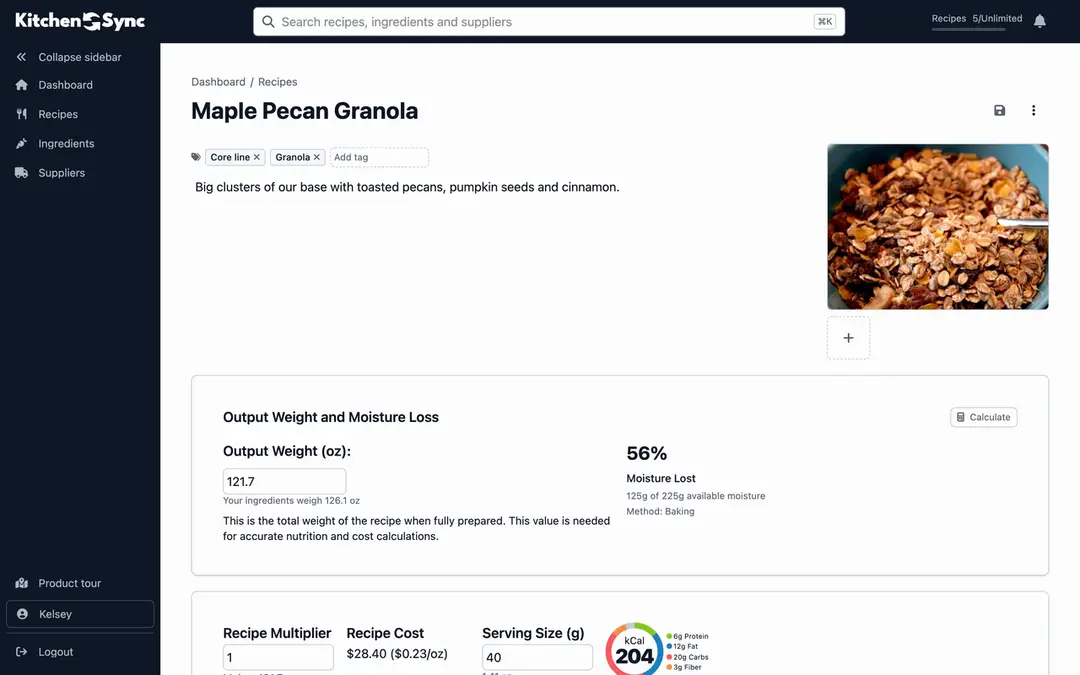
Try more honey and fewer dates, swap almonds for pecans, or cut the oil. Click New version and KitchenSync makes a linked copy for you to change, while the recipe you produce stays marked as primary. All versions of a flavor share one dropdown and one row on the Recipes list, so the list stays as long as your product line. See recipe versioning.
Macros
Snack buyers read protein, fiber and sugar before they read the price. The macro chart on each recipe shows the split of protein, carbohydrate and fat, so you can check a version after you add seeds or change the sweetener. The label lists micronutrients with % Daily Value and accounts for added sugars and excluded sugars. See the recipe nutrition calculator.

Base mix
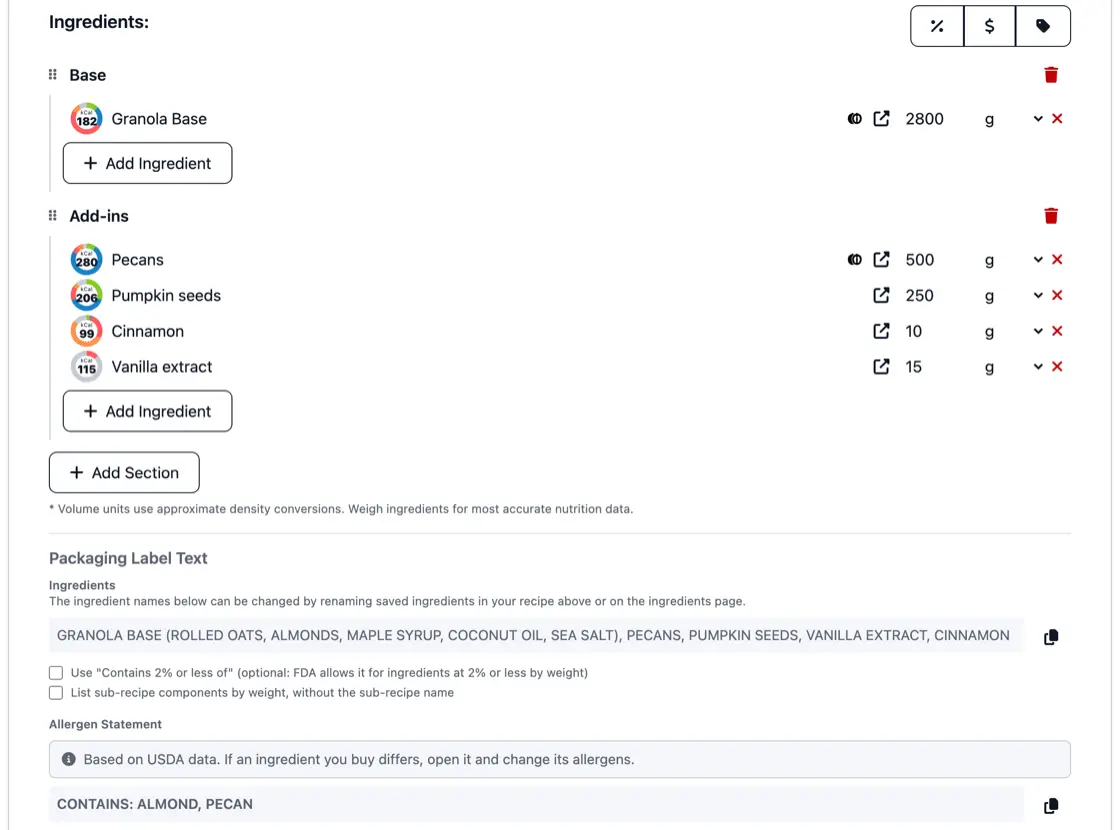
Most granola lines share a base of oats, nuts and binder. Make the base a recipe and add it to each flavor as an ingredient. Each flavor's ingredient list then includes the base's components, in descending order by weight with the add-ins. Recipes inside recipes explains how nutrition and cost follow.
Bag sizes
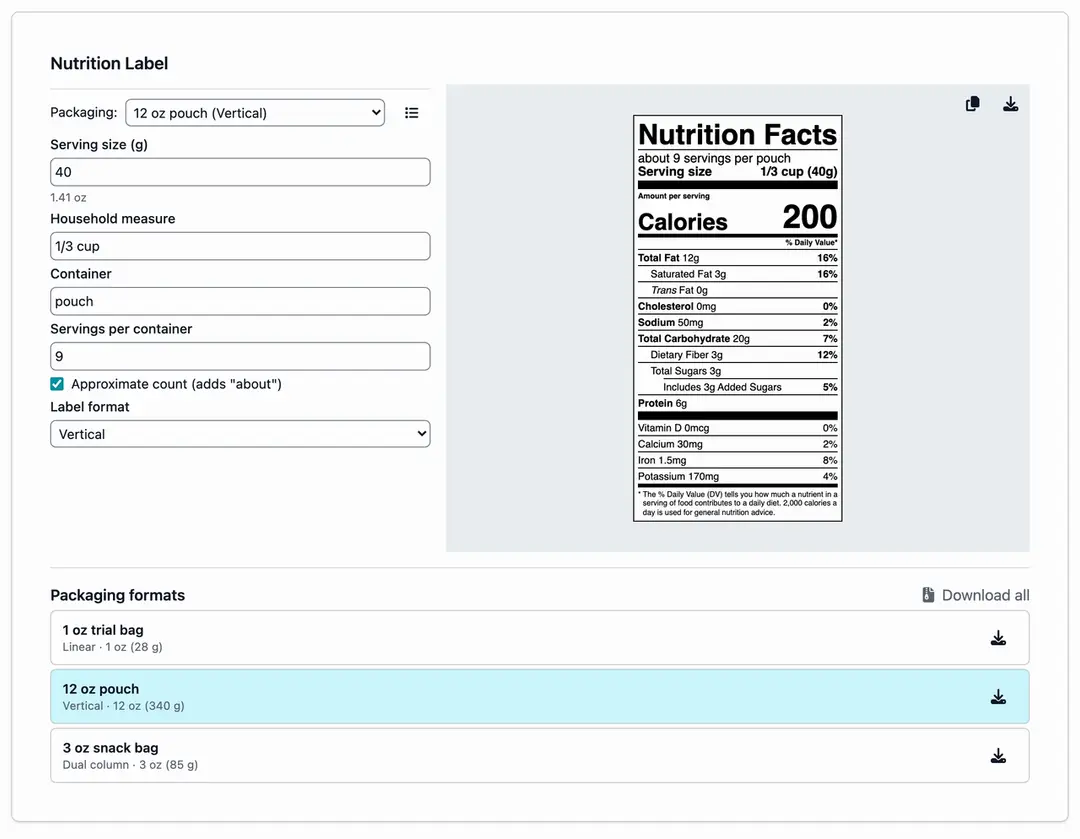
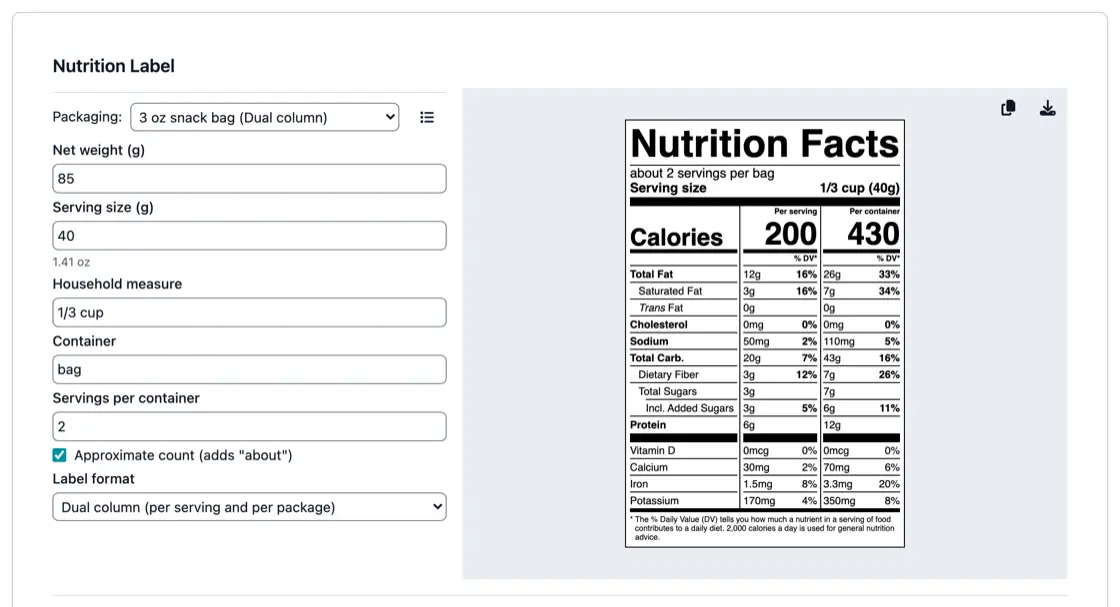
A trial bag and a family pouch need different panels. Save each bag as a packaging format with its serving size and net weight, and choose the dual column format where you want nutrition shown per serving and per package. The same packaging formats work for every flavor. See the nutrition label generator.
What counts as added sugars, how to calculate them for a recipe, when to declare sugar alcohols, how allulose is handled, and the 50 g Daily Value.
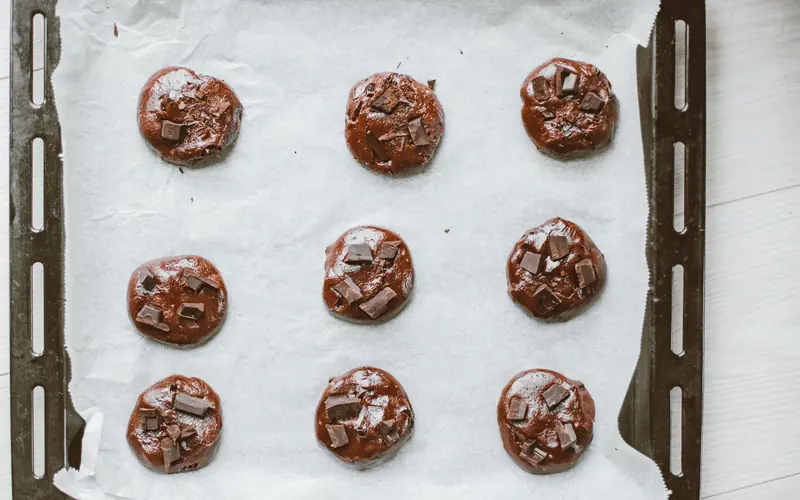
Find your product's FDA reference amount, turn it into a cup, spoon or piece, and count servings, with cookie, granola and hot sauce examples.

The nine major allergens, whether you need a Contains statement, naming the nut or fish, FDA's 2025 tree nut list, sesame, and "may contain".
Yes, on every plan, including Free. Make the base a recipe and use it as an ingredient. A price change on any ingredient in the base updates the cost of every flavor.
Yes. Each new version is a linked copy, so earlier versions stay in the dropdown. Mark the one in production as primary.
Yes. Check the packaging formats that apply to the recipe, then use Download all to get every label in one zip, or export them one by one as PNGs.
Keep each flavor's versions, macros and bag labels in one place. Start free.
Sign Up Free →Need more recipes? See KitchenSync plans and pricing