Added Sugars, Total Sugars and Sugar Alcohols on a Nutrition Label
What counts as added sugars, how to calculate them for a recipe, when to declare sugar alcohols, how allulose is handled, and the 50 g Daily Value.


KitchenSync is recipe costing and nutrition label software for ice cream makers. Keep one base recipe, build every flavor on it, and get each flavor's batch cost, allergen statement and Nutrition Facts label for cups, pints and quarts.
Flavors
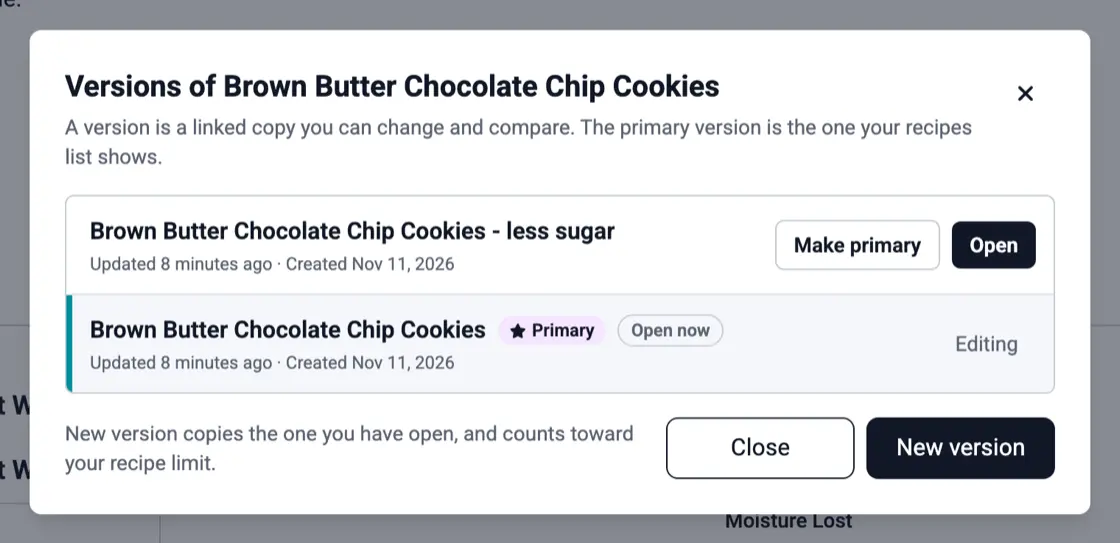
A flavor goes through several trials: more yolk, less sugar, a different vanilla, a heavier swirl. Choose New version for each trial and KitchenSync keeps them linked in one dropdown, with the flavor you pack marked primary. Nothing overwrites the original, and every edit saves on its own. Tags group flavors by season or by product line. See recipe versioning and recipe management.
The base
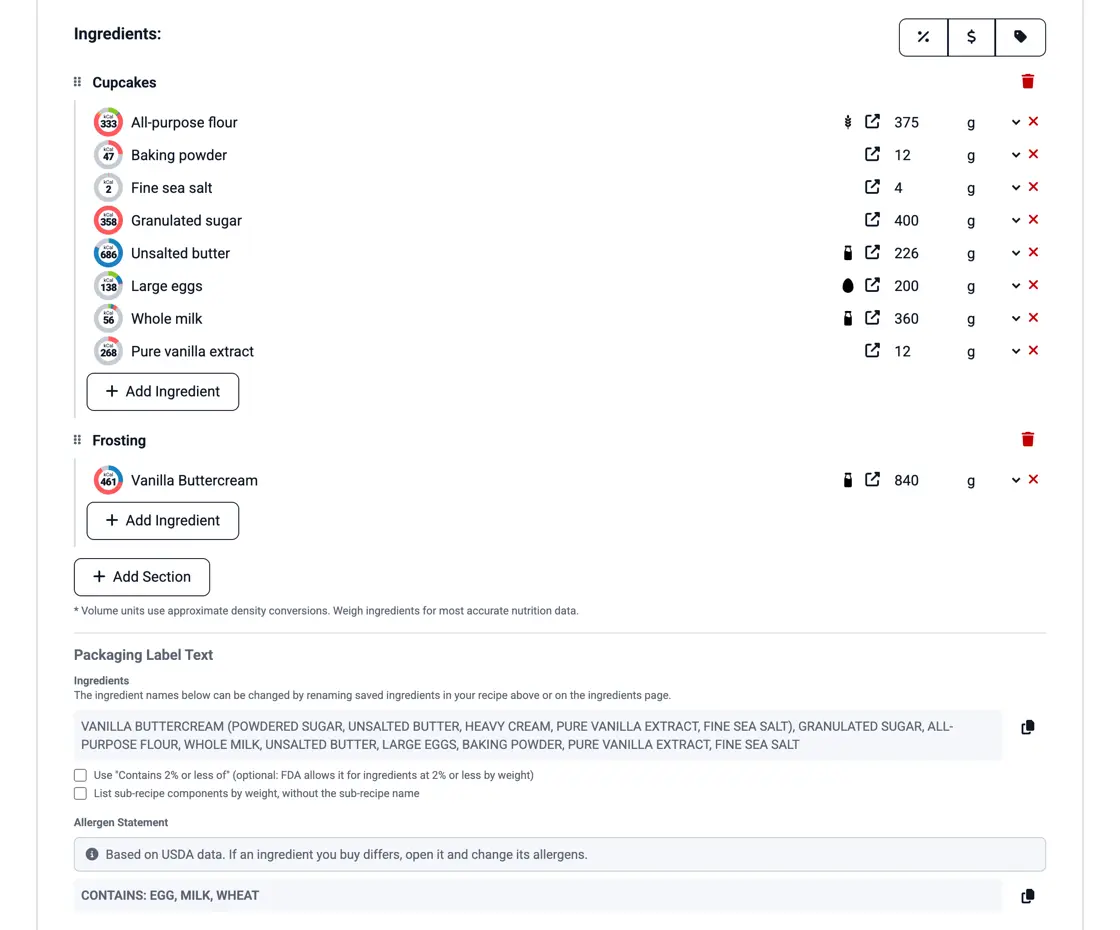
Save your sweet cream or custard base as a recipe, then add it to each flavor along with the mix-ins: fudge ripple, cookie dough, roasted nuts, a fruit swirl. Those can be recipes too. When the price of cream changes, every flavor built on the base is recosted, and each flavor's ingredient list includes the base's components. See recipes inside recipes.
Dairy costs
Cream, milk, sugar, eggs, vanilla and inclusions set the cost of a batch. Enter prices from your dairy and your distributor and KitchenSync costs at the lowest. It shows the batch cost and the cost per ounce, pound, gram or kilogram. Churning adds air, which adds volume and no weight, so weigh a filled pint and multiply by the cost per ounce. See recipe costing.
Pint labels
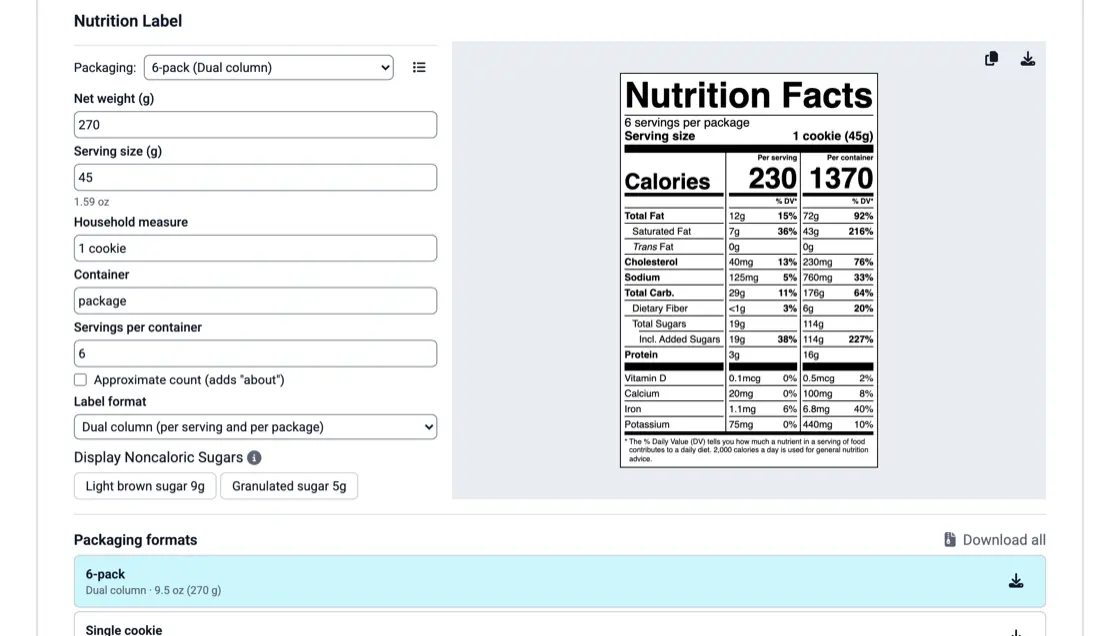
FDA's reference amount for ice cream is 2/3 cup (21 CFR 101.12(b)), so a pint holds three servings. A package holding 200% to 300% of the reference amount needs a dual-column label, with nutrition per serving and per container (21 CFR 101.9(b)(12)(i)). KitchenSync has that format, the standard vertical label for quarts and a linear one for small packages. Save each container as a packaging format. See the nutrition label generator.
Allergens
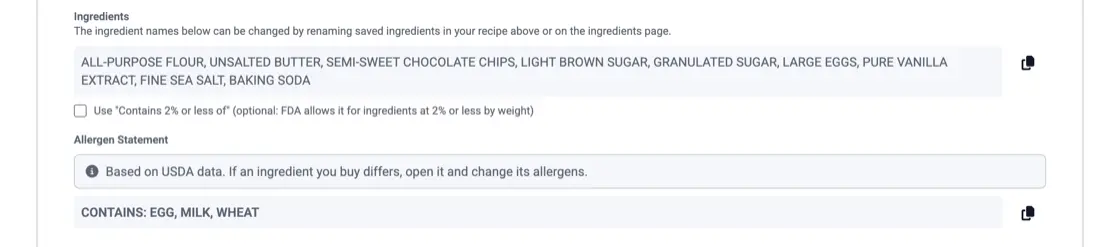
Every dairy flavor contains milk, and a custard base adds eggs. Mix-ins bring the rest: tree nuts and peanuts, wheat in cookie dough, brownies and cones, soy in chocolate chips, sesame in tahini or halva. KitchenSync detects the allergens on each ingredient, including those inside the base and mix-in recipes, and combines them into the flavor's Contains statement. See allergen detection.
What counts as added sugars, how to calculate them for a recipe, when to declare sugar alcohols, how allulose is handled, and the 50 g Daily Value.

A cup of flour can weigh 120 g or 160 g. How volume measuring throws off nutrition labels and food costs, and when a cup is close enough.

The nine major allergens, whether you need a Contains statement, naming the nut or fish, FDA's 2025 tree nut list, sesame, and "may contain".
FDA sets the reference amount for ice cream at 2/3 cup (21 CFR 101.12(b)). Weigh 2/3 cup of your finished ice cream, enter that weight as the serving size and "2/3 cup" as the description.
Overrun changes how much a 2/3 cup serving weighs. KitchenSync calculates nutrition by weight, so weigh a serving of the churned product and enter that weight. A flavor with more air has a lighter serving and fewer calories in it.
Yes, on every plan. Save the base as a recipe and add it to each flavor as an ingredient. Its nutrition, cost, ingredients and allergens carry into every flavor, and a price change on cream or sugar updates all of them.
Build your flavors on one base recipe and label every cup, pint and quart. Start free.
Sign Up Free →Need more recipes? See KitchenSync plans and pricing